


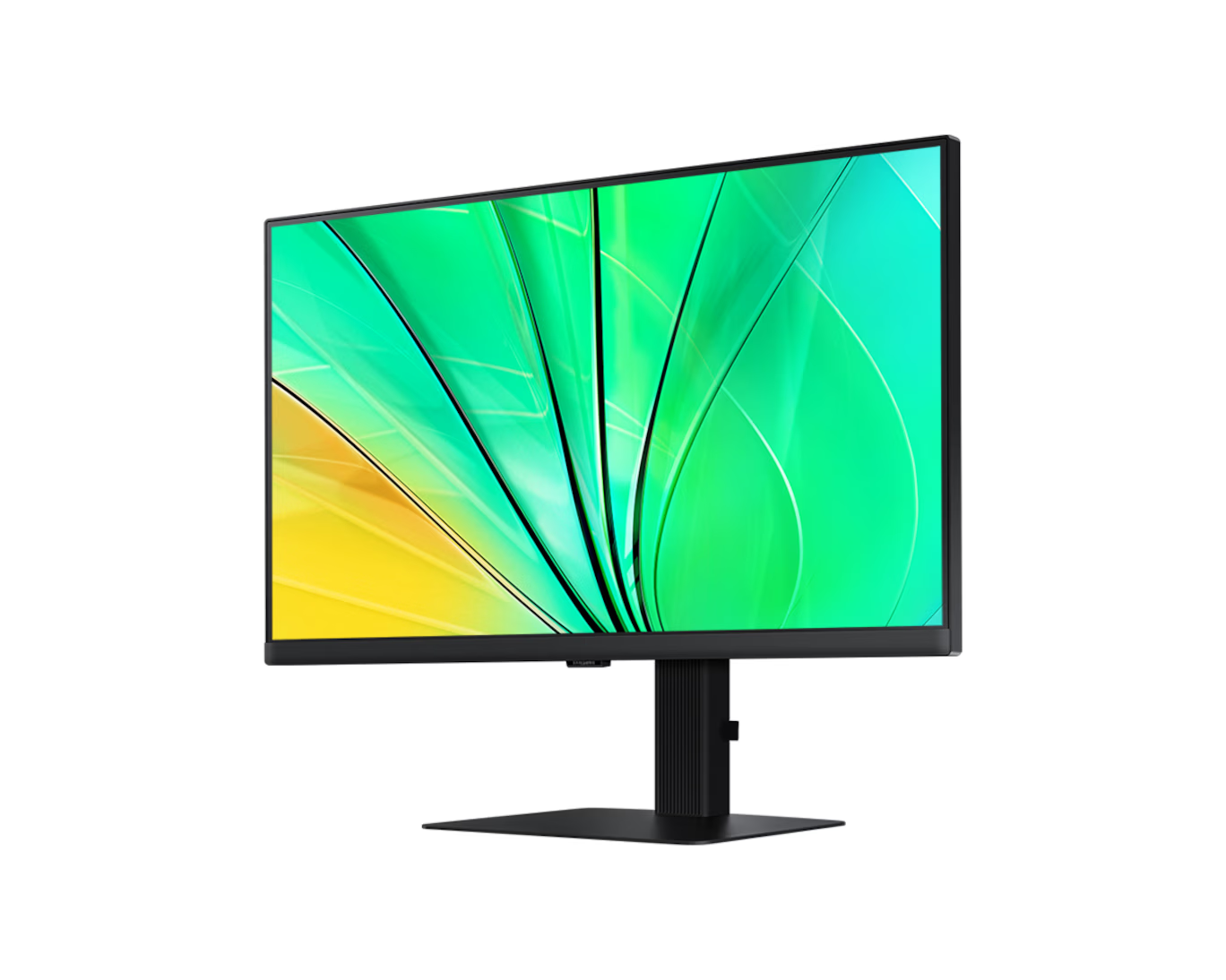
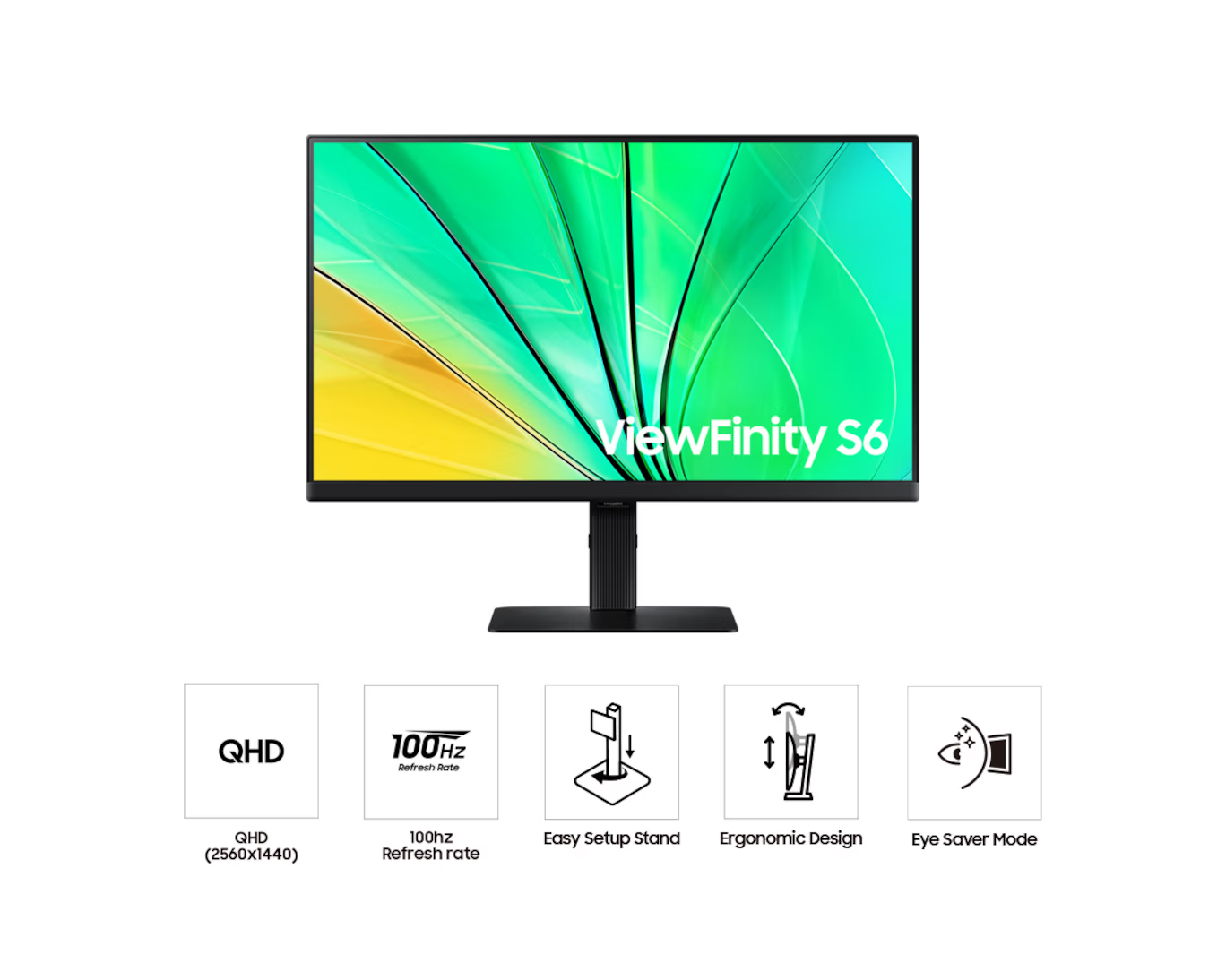
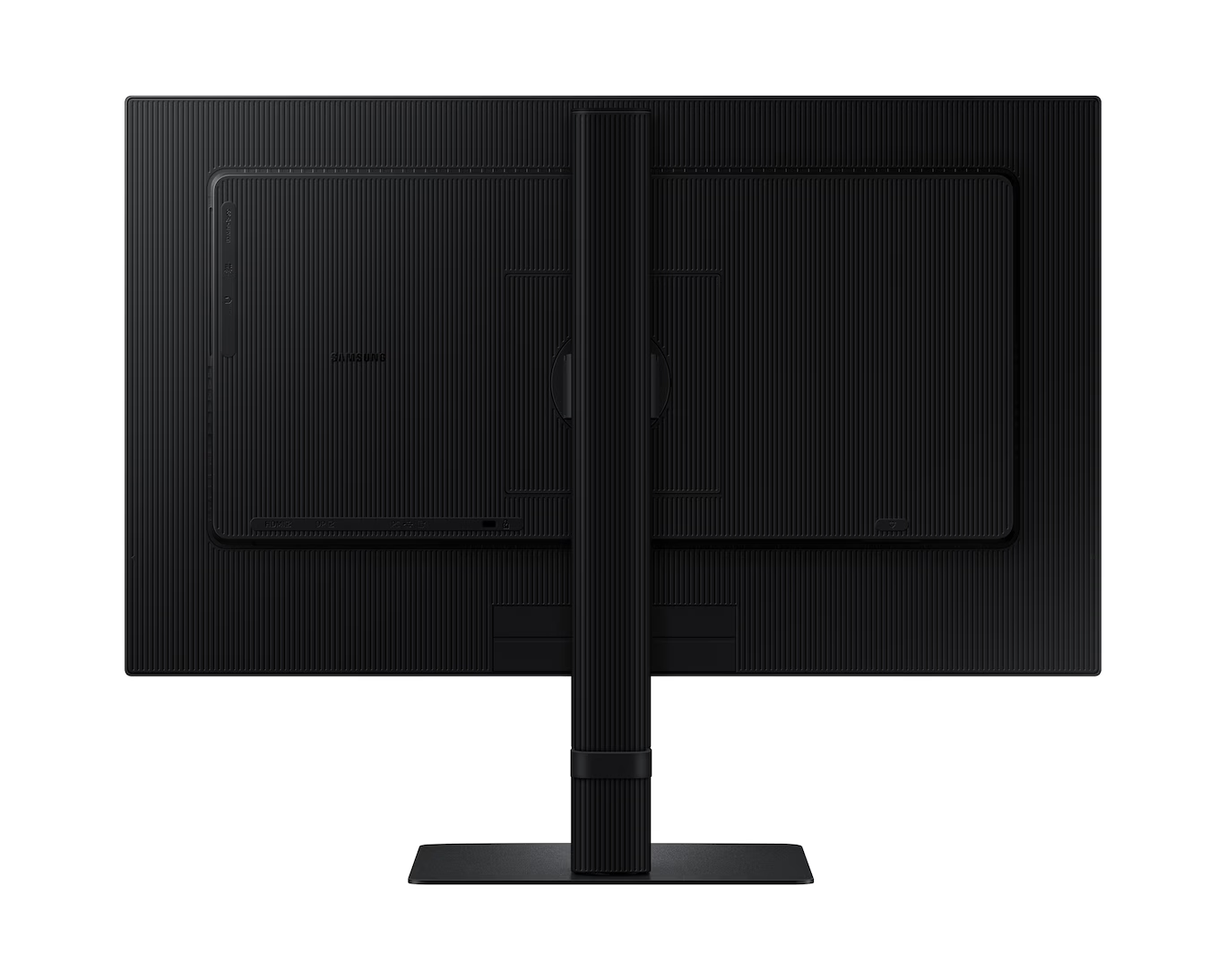
The Samsung ViewFinity S6 S60D (LS24D606EAMXUE) is a black 24-inch QHD monitor with a flat IPS panel, a maximum refresh rate of 100 Hz and a height-adjustable stand. It gives you room to work with spreadsheets, documents and design layouts on a display that measures about 54 cm across.
Samsung ViewFinity S6 S60D for work and study
QHD resolution gives you 2560 × 1440 pixels, about 78% more than Full HD. That extra detail helps when you have a worksheet open beside a reference document or need to see more of a timeline. You can adjust display scaling on your computer to make text comfortable to read at your usual distance.
Samsung rates the IPS panel at 350 nits typical brightness and 99% sRGB coverage. The colour coverage suits everyday photo editing, presentation work and graphics intended for the web. The display accepts HDR10 from compatible sources. Eye Saver Mode and flicker-free operation are available for long reading or work sessions.
100 Hz for scrolling and casual gaming
If you want a 100 Hz IPS monitor for work and occasional play, the Samsung ViewFinity S6 S60D can make scrolling, pointer movement and game motion look smoother when the connected device outputs 100 Hz. When comparing gaming monitors, check the resolution and refresh rate your graphics card can deliver together. This model is rated at 5 ms response time.
Connect two devices and keep peripherals within reach
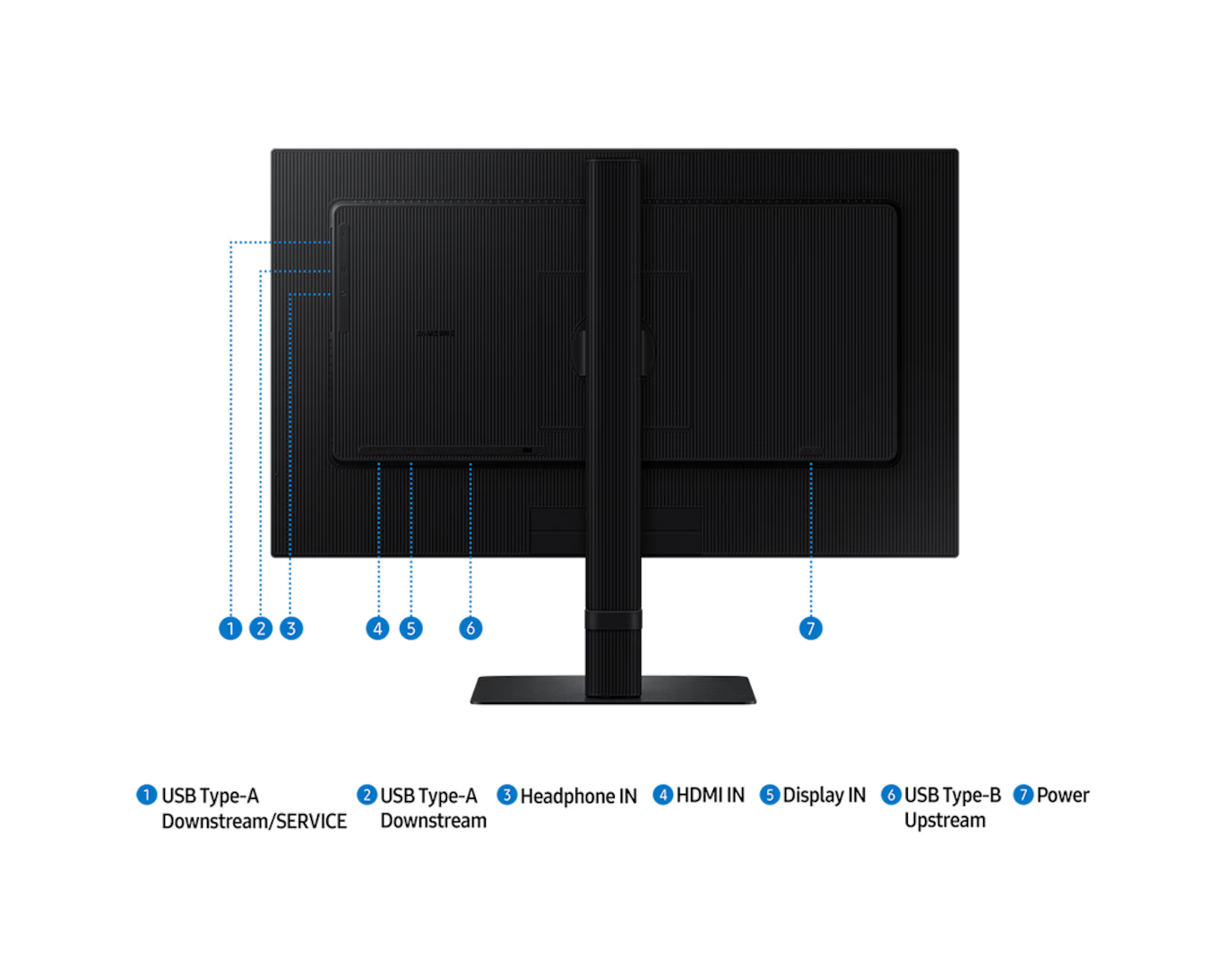
Connect one source to HDMI 2.0 and another to DisplayPort 1.4. Picture-by-Picture puts the two sources next to each other, while Picture-in-Picture places one in a smaller window. That can be useful if you need to keep a second computer visible while working from your main device.
A monitor with a USB hub can keep a mouse receiver or flash drive within reach. Link the monitor’s USB-B upstream port to your computer to use the three USB-A ports. For sound from your video source, connect headphones or powered speakers to the monitor’s headphone output.
Adjust the stand to fit your desk
The Easy Setup Stand provides 120 mm of height adjustment as well as tilt and swivel. Pivot it to portrait for longer pages or code. The monitor is 22 cm deep with the stand, so you can check how much room it leaves for your keyboard. A 100 × 100 mm VESA pattern is available for a compatible monitor arm.
Samsung ViewFinity S6 S60D specifications
| Specification | Details |
|---|---|
| Model | S60D, LS24D606EAMXUE, black |
| Panel | 24-inch flat IPS, 16:9 |
| Native resolution | QHD (2560 × 1440) |
| Refresh and response | Up to 100 Hz, 5 ms |
| Picture | 350 nits typical brightness, 1000:1 typical contrast, 99% sRGB typical, HDR10 |
| Video inputs | 1 × HDMI 2.0, 1 × DisplayPort 1.4 |
| USB and audio | 3 × USB-A 3.0, USB-B upstream, headphone output |
| Multitasking | Picture-in-Picture and Picture-by-Picture |
| Stand and mounting | Height adjustment, tilt, swivel and pivot, 100 × 100 mm VESA |
| Dimensions with stand | 540.7 × 535.9 × 220 mm (W × H × D) |
| Weight | 5.4 kg with stand, 2.9 kg without stand |
Frequently asked questions
How do I set 100 Hz on the Samsung ViewFinity S6 S60D?
Connect your computer with HDMI or DisplayPort, then select 2560 × 1440 and 100 Hz in its display settings. Your computer’s output, cable and any adapter or dock need to support that combination.
Is the Samsung ViewFinity S6 S60D a curved monitor?
It has a flat 24-inch IPS screen. The stand lets you position it in landscape or portrait, so it can sit beside another display or serve as the main screen.
How do I use the USB hub on the Samsung ViewFinity S6 S60D?
Connect the USB-B upstream port to your computer with a compatible USB cable. Then plug your peripherals into the monitor’s USB-A ports. Keep your HDMI or DisplayPort cable connected for video.
Can I connect a laptop with USB-C video output?
Yes. Use a compatible USB-C to DisplayPort cable or USB-C to HDMI adapter. Check its supported resolution and refresh rate with your laptop. Use the laptop’s own power connection for charging.
Can I use HDR10 with my computer?
Yes. Connect a compatible video output over HDMI or DisplayPort and enable HDR in your computer’s display settings. Choose a video or game that supports HDR10. If you work through a dock or video adapter, check that it can pass an HDR signal.
Can I put the S60D on a monitor arm?
Yes. Choose an arm that fits a 100 × 100 mm VESA pattern and supports the monitor’s 2.9 kg weight without the stand.
Ask Shah Computers about the Samsung ViewFinity S6 S60D
Call Shah Computers on 0113 219 859 to ask about pricing and availability for LS24D606EAMXUE. Visit us on the first floor of Maharaja House, 01 Shivachi Road, opposite M.P. Shah Hospital in Westlands, Nairobi.
Browse our computer monitors in Kenya or see Samsung’s official 24-inch S60D specifications for full model details.
Reviews
There are no reviews yet.