


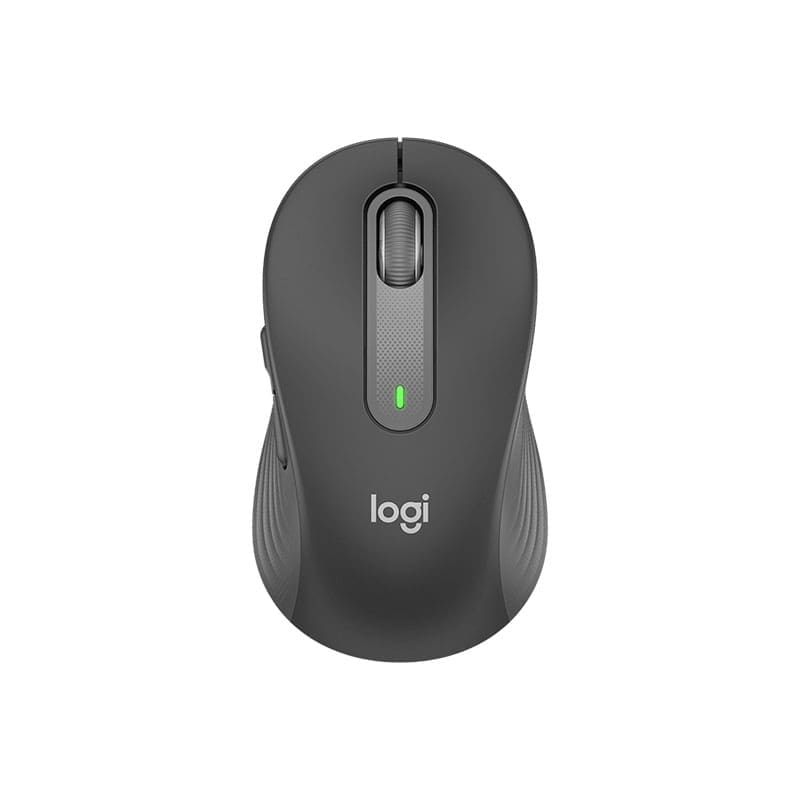
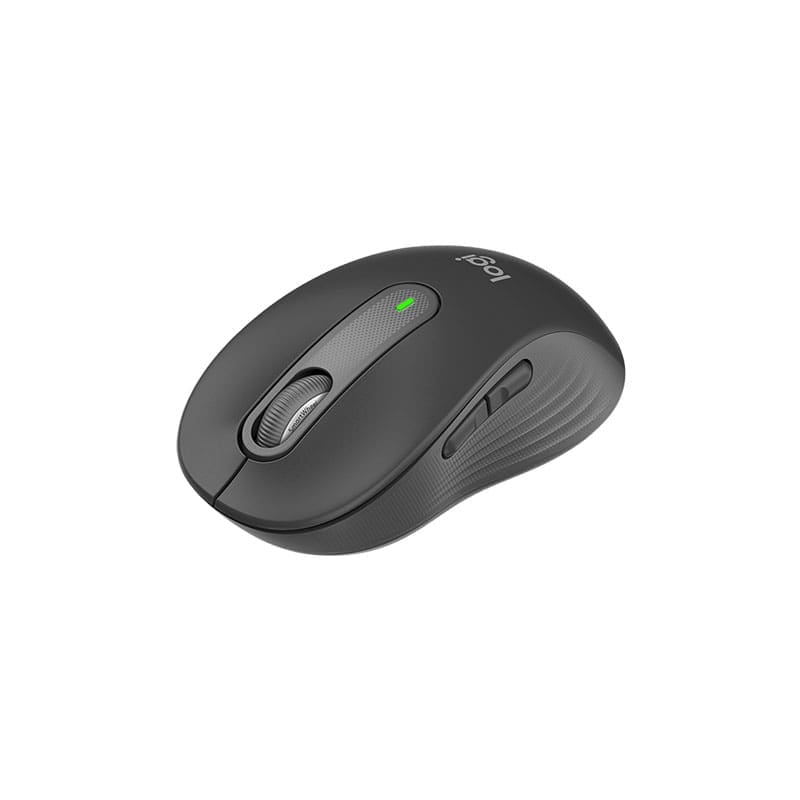
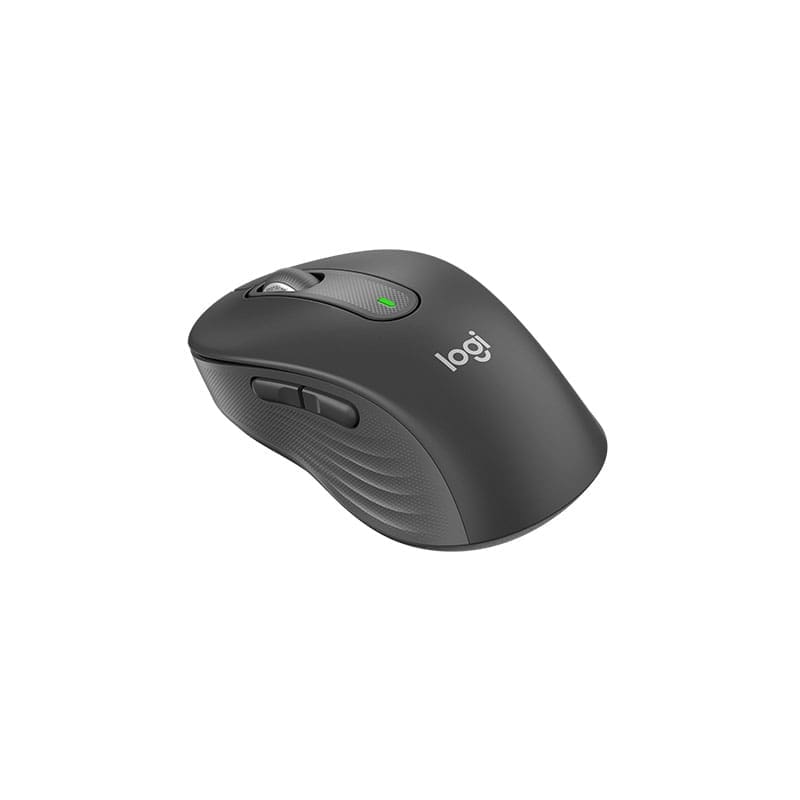
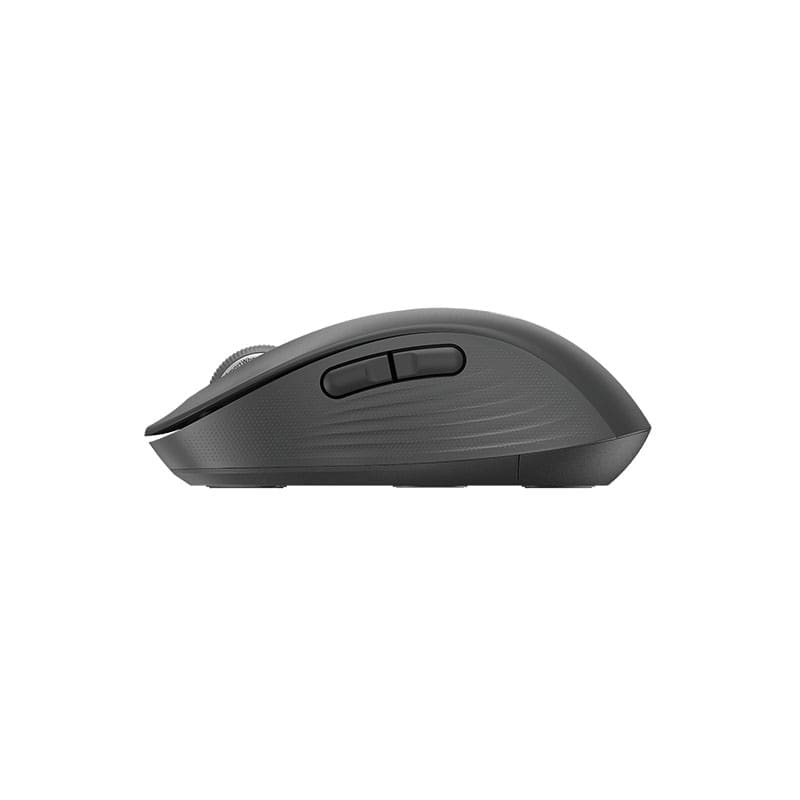
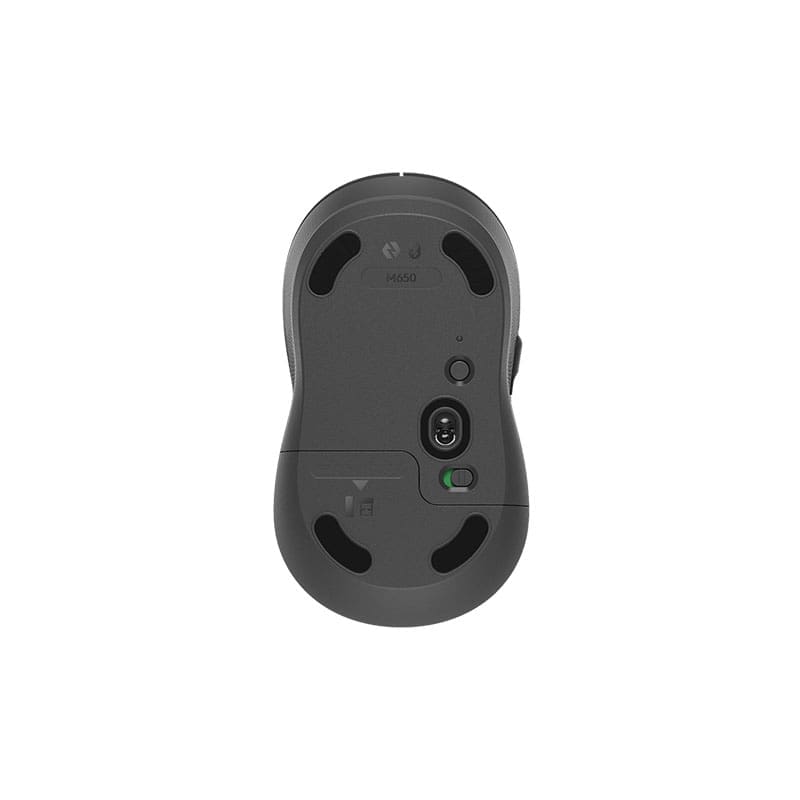

Upgrade your setup with the Logitech Signature M650 Wireless Mouse, a comfortable and reliable wireless mouse made for all-day productivity. Whether you are working from the office, studying, browsing, editing documents, handling spreadsheets, or using your laptop daily, the Logitech M650 gives you smooth control and a more comfortable experience.
The Logitech Signature M650 Wireless Mouse is built for smarter scrolling, better comfort, and easier navigation. Its SmartWheel scrolling allows you to switch between precise line-by-line scrolling and faster scrolling when you need to move through long pages, documents, websites, or spreadsheets.
Comfortable Design for Everyday Use
The Logitech Signature M650 is shaped for comfortable daily use, making it suitable for office work, home use, school work, business tasks, and laptop users who want a better mouse than a basic wired option.
It offers a clean, simple, and modern feel while still giving you useful features like back and forward buttons, a middle click scroll wheel, and smooth optical tracking. If you spend long hours on your computer, this Logitech wireless mouse is a practical upgrade for your desk setup.
SmartWheel Scrolling
One of the main features of the Logitech M650 Wireless Mouse is SmartWheel scrolling. It gives you precision when you need careful scrolling and speed when you want to move quickly through longer pages.
This makes it useful for browsing websites, reading PDFs, scrolling through product pages, working on documents, checking emails, and moving through spreadsheets.
Smooth and Accurate Tracking
The Logitech Signature M650 uses Logitech Advanced Optical Tracking for smooth and accurate cursor movement. It has a nominal value of 400 DPI and supports up to 4000 DPI, giving you reliable control for everyday tasks.
Whether you are using it with a laptop, desktop, office PC, or home workstation, the M650 offers stable tracking for normal work and productivity.
Flexible Wireless Connectivity
The Logitech Signature M650 Wireless Mouse gives you two convenient connection options. You can connect using the included Logi Bolt USB Receiver or pair it through Bluetooth Low Energy if your device supports Bluetooth.
This makes it easy to use with different devices, including Windows laptops, MacBooks, desktop PCs, Chromebooks, iPads, and Android tablets. With a wireless range of up to 10 metres / 33 ft, you can enjoy a cleaner desk setup without cable clutter.
Long Battery Life
The Logitech M650 is designed to reduce battery worries. It uses 1 AA battery, which is included in the box. Battery life can last up to 24 months when using the Logi Bolt USB Receiver and up to 20 months when using Bluetooth, depending on usage.
This makes it a good choice for users who want a dependable wireless mouse that does not need frequent battery changes.
5 Useful Buttons
The Logitech Signature M650 comes with 5 buttons, including left click, right click, back button, forward button, and scroll-wheel middle click. The back and forward buttons are useful when browsing websites, working through folders, or moving between pages quickly.
For users who want more control, the mouse is supported by the Logi Options+ app on Windows and macOS, allowing optional customization.
Good Choice for Office, Home, and Laptop Users
The Logitech Signature M650 Wireless Mouse is suitable for office desks, home setups, students, business users, laptop users, and anyone looking for a reliable Logitech wireless mouse in Kenya. It is a strong choice for everyday productivity, online meetings, document work, emails, browsing, and general computer use.
For more Logitech products, accessories, keyboards, mice, and computer peripherals, visit:
Logitech Kenya at Shah Computers
https://shahtechsolution.com/brands/logitech-kenya/
For official product details and specifications, visit:
Logitech Signature M650 Official Product Page
https://www.logitech.com/en-us/shop/p/m650-signature-wireless-mouse.910-006250
Technical Specifications
Dimensions
| Model | Height | Width | Depth | Weight |
|---|---|---|---|---|
| Signature M650 | 108.2 mm | 61 mm | 38.8 mm | 101.4 g |
| Signature M650 L | 118.7 mm | 66.2 mm | 42 mm | 115.4 g |
Sensor Technology
| Feature | Details |
| Sensor Technology | Logitech Advanced Optical Tracking |
| Nominal Value | 400 DPI |
| Max Value | Up to 4000 DPI |
Buttons
| Feature | Details |
| Number of Buttons | 5 |
| Buttons Included | Left Click, Right Click, Back, Forward, Scroll-Wheel Middle Click |
Battery
| Feature | Details |
| Battery Type | 1 × AA Battery |
| Battery Included | Yes |
| Battery Life with Logi Bolt USB Receiver | Up to 24 months |
| Battery Life with Bluetooth | Up to 20 months |
Connectivity
| Feature | Details |
| Connection Type | Logi Bolt USB Receiver |
| Bluetooth | Bluetooth Low Energy Technology |
| Wireless Range | Up to 10 m / 33 ft |
Customization App
| Feature | Details |
| App Support | Logi Options+ |
| Supported Systems | Windows and macOS |
System Requirements
Logi Bolt USB Receiver
| Requirement | Details |
| Required Port | Available USB Port |
| Windows | Windows 10, Windows 11 or later |
| macOS | macOS 10.10 or later |
| Linux | Supported |
| ChromeOS | Supported |
Bluetooth Low Energy
| Requirement | Details |
| Required Technology | Bluetooth Low Energy |
| Windows | Windows 10, Windows 11 or later |
| macOS | macOS 10.15 or later |
| Linux | Supported |
| ChromeOS | Supported |
| iPadOS | iPadOS 13.4 or later |
| Android | Android 5.0 or later |
| Intel Evo | Engineered for Intel Evo laptops |
Optional Software
Internet access is required to download the optional Logi Options+ customization app.
What’s in the Box
- Logitech Signature M650 Wireless Mouse
- USB Receiver
- 1 AA Battery
- User Documentation
Warranty Information
1-Year Limited Hardware Warranty
FAQ Section
Is the Logitech Signature M650 Wireless Mouse good for office work?
Yes. The Logitech Signature M650 Wireless Mouse is a good choice for office work, home use, browsing, emails, documents, spreadsheets, and everyday productivity.
Does the Logitech M650 support Bluetooth?
Yes. The Logitech M650 supports Bluetooth Low Energy and can also connect using the included Logi Bolt USB Receiver.
Does the Logitech Signature M650 come with a USB receiver?
Yes. The Logitech Signature M650 comes with a USB receiver in the box.
What is SmartWheel scrolling on the Logitech M650?
SmartWheel scrolling allows you to scroll with precision when needed or move faster through long pages, documents, and websites.
How many buttons does the Logitech Signature M650 have?
The Logitech Signature M650 has 5 buttons: left click, right click, back, forward, and scroll-wheel middle click.
What is the battery life of the Logitech Signature M650?
The Logitech Signature M650 can last up to 24 months with the Logi Bolt USB Receiver and up to 20 months with Bluetooth, depending on usage.
Is the Logitech M650 compatible with Windows 11?
Yes. The Logitech M650 is compatible with Windows 10, Windows 11 or later, macOS, Linux, ChromeOS, iPadOS, and Android.
Can I customize the Logitech Signature M650 buttons?
Yes. The Logitech Signature M650 is supported by Logi Options+ on Windows and macOS for optional customization.


Reviews
There are no reviews yet.