


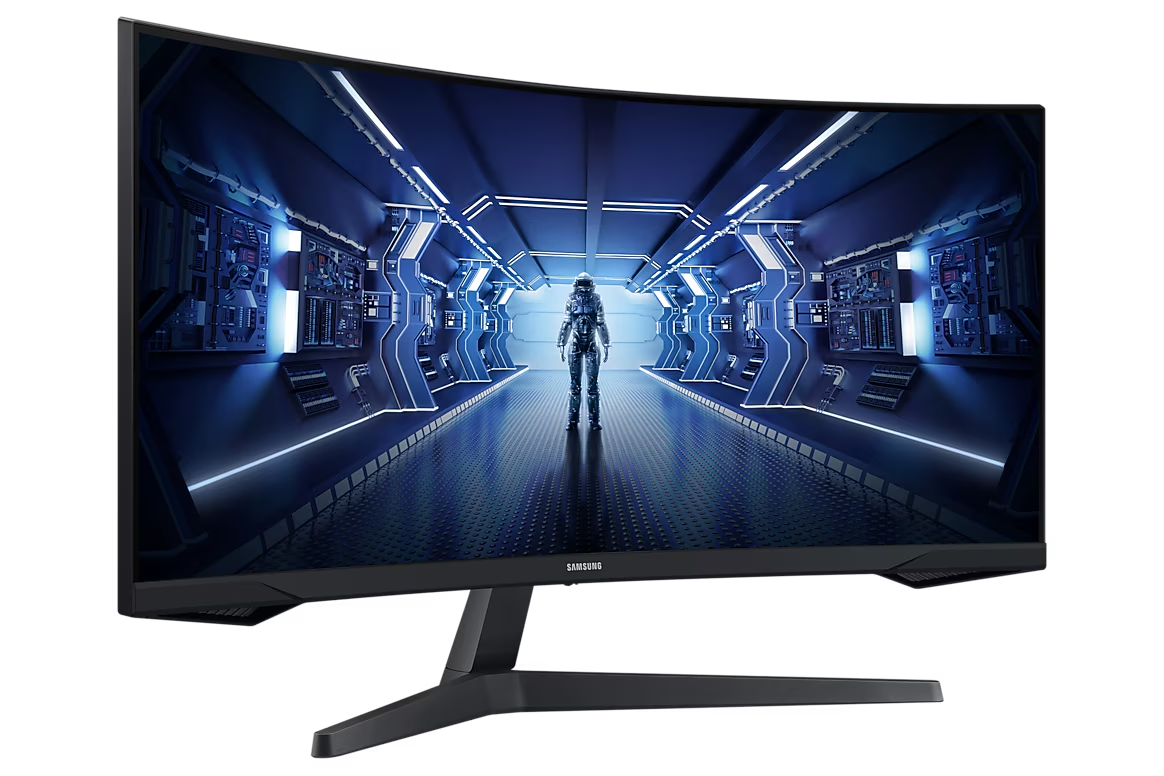
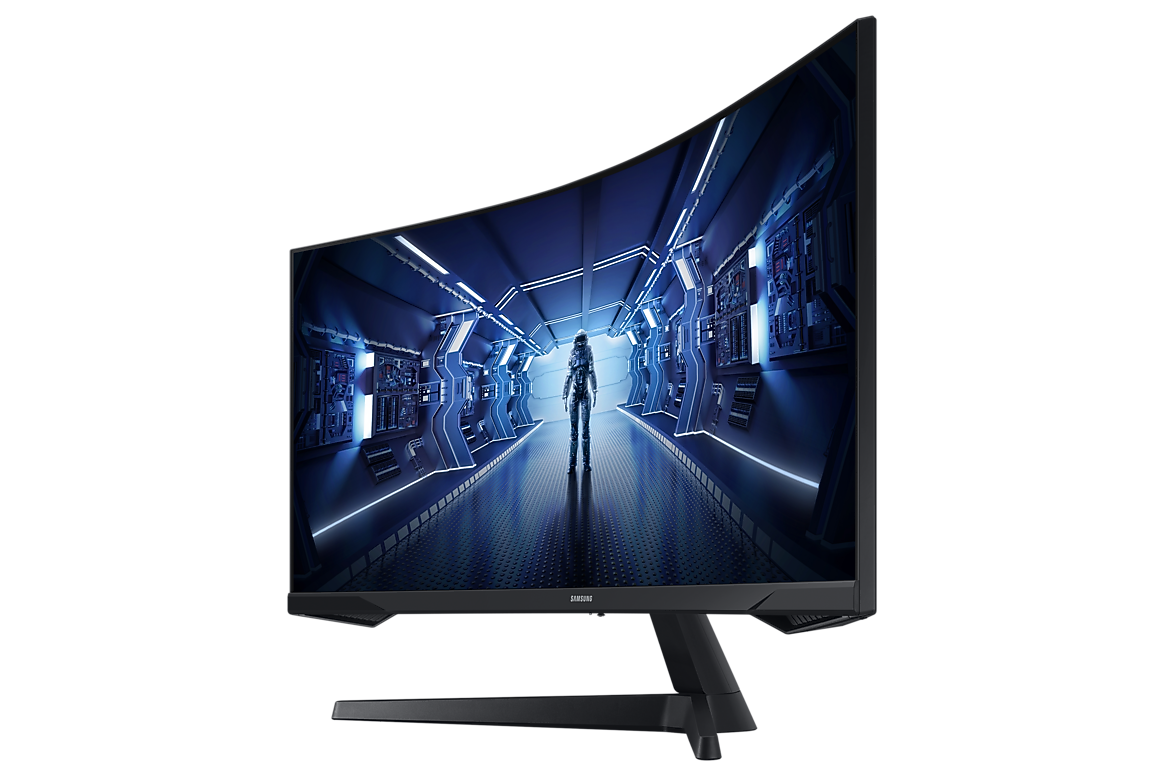
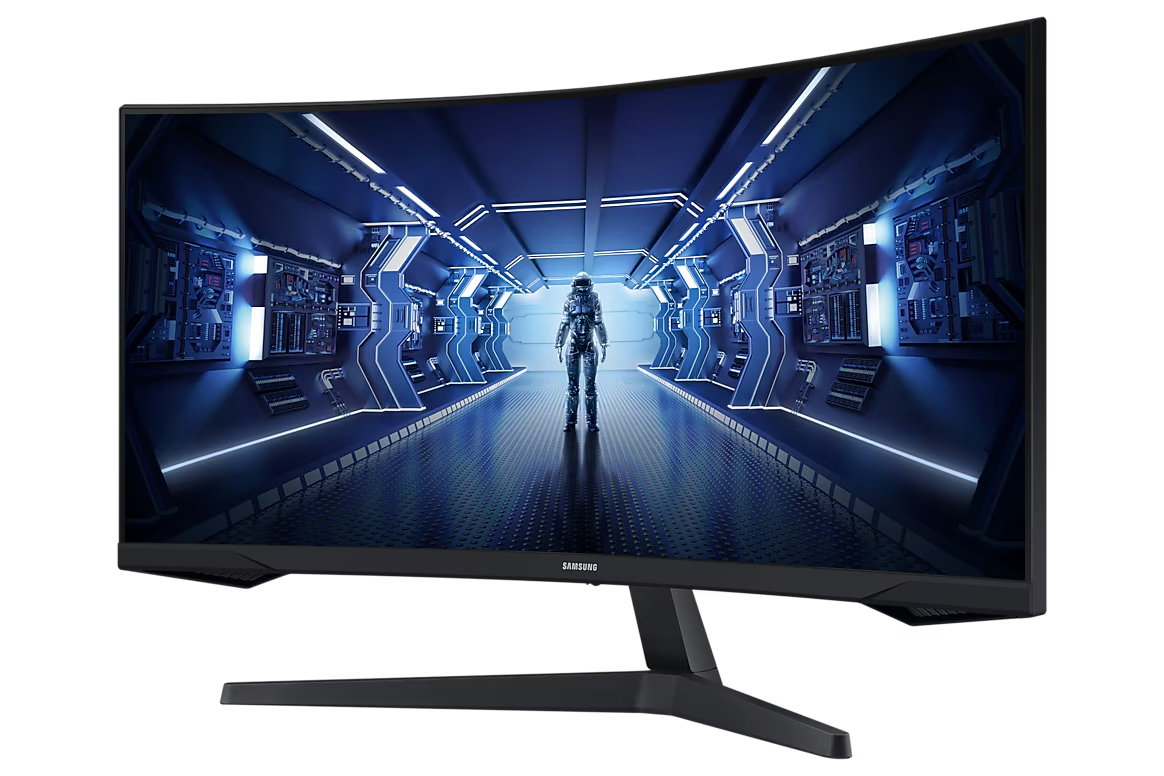
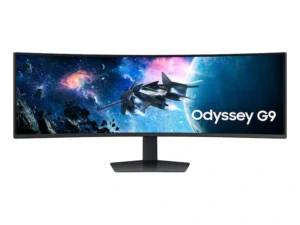
The Samsung Odyssey G5 34-inch (G55T, LC34G55TWWMXUE) is a curved gaming monitor with a 1000R VA panel, 3440 × 1440 Ultra WQHD resolution and a 21:9 aspect ratio. It reaches 165Hz over DisplayPort and up to 100Hz over HDMI at native resolution. It suits PC gamers who want a wider view and enough room to work with two windows side by side.
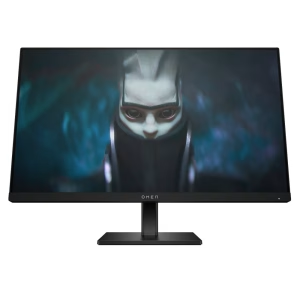
Samsung Odyssey G5 34-inch ultrawide display
Compatible games can use the wider 21:9 canvas to show more of the scene. That extra space is useful in racing games where you want more of the track in view, or in strategy games where you need room for the map and menus. Away from gaming, there is space to keep a spreadsheet next to a browser or a video timeline next to its preview.
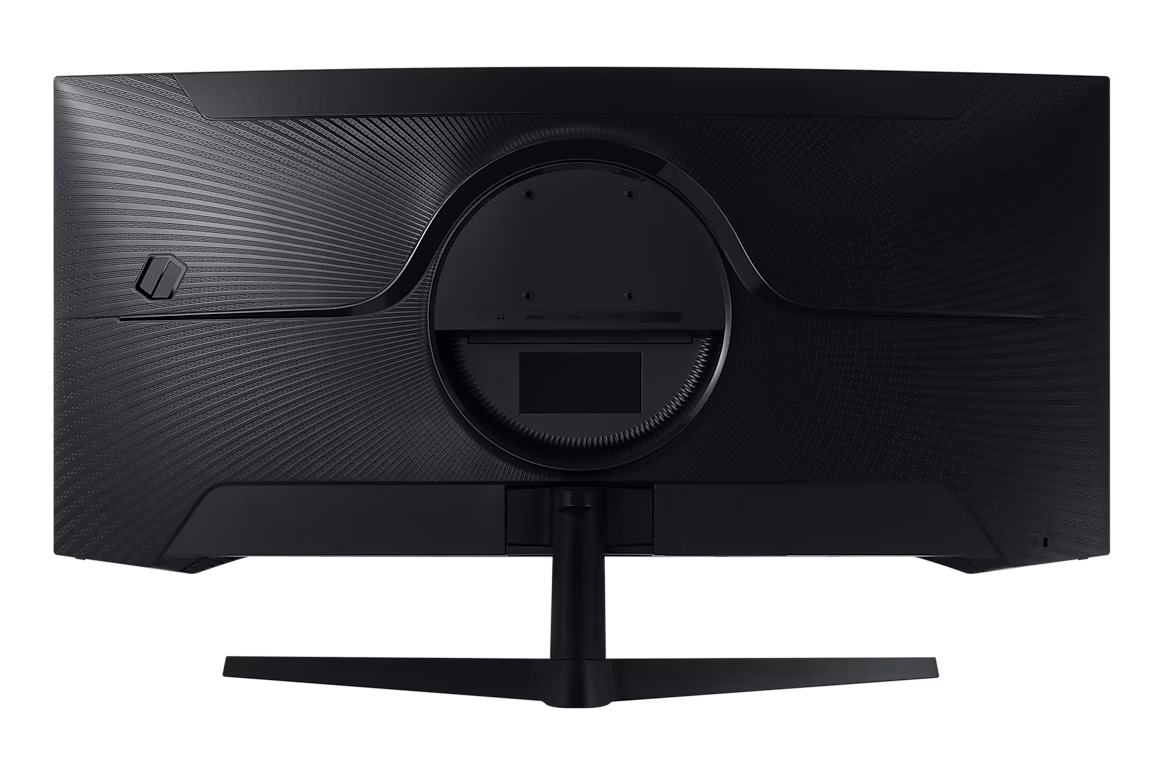
The sides of this 1000R curved monitor angle towards you, which is most noticeable when you sit directly in front of the screen. If you are comparing gaming monitors for a desk that doubles as a workspace, measure the available width and stand depth. Leave room behind the display for the power and video cables.
How to get 165Hz on the Samsung Odyssey G5 34-inch
Use a compatible DisplayPort connection from your graphics card and select 3440 × 1440 at 165Hz in your display settings. The maximum refresh rate tells you how often the monitor can update the image. The frame rate you see in a game still depends on your graphics card, the game and the graphics settings you choose.
Samsung lists 1ms MPRT, a measure of motion blur under specific test settings. AMD FreeSync Premium helps reduce tearing by matching the monitor’s refresh rate to the frame rate from a compatible graphics card. The response-time controls are unavailable while FreeSync is active. Black Equalizer lets you adjust dark areas to make shadow details easier to see.
VA contrast and HDR10 support
The VA panel in the Samsung Odyssey G5 34-inch has a typical static contrast ratio of 2,500:1 and typical brightness of 250 nits. HDR10 support lets the display accept an HDR signal from a compatible source. If bright HDR highlights are important for your setup, compare the brightness specification along with the HDR format when looking at other monitors.
Connections, sound and desk fit
Use DisplayPort 1.4 to get the full refresh rate from this 165Hz gaming monitor. You can connect a second device to the HDMI 2.0 input. Picture-by-Picture shows two compatible sources side by side, which is handy when you need to see a work laptop and a gaming PC at the same time. For sound, connect headphones to the monitor or use speakers with your source device.
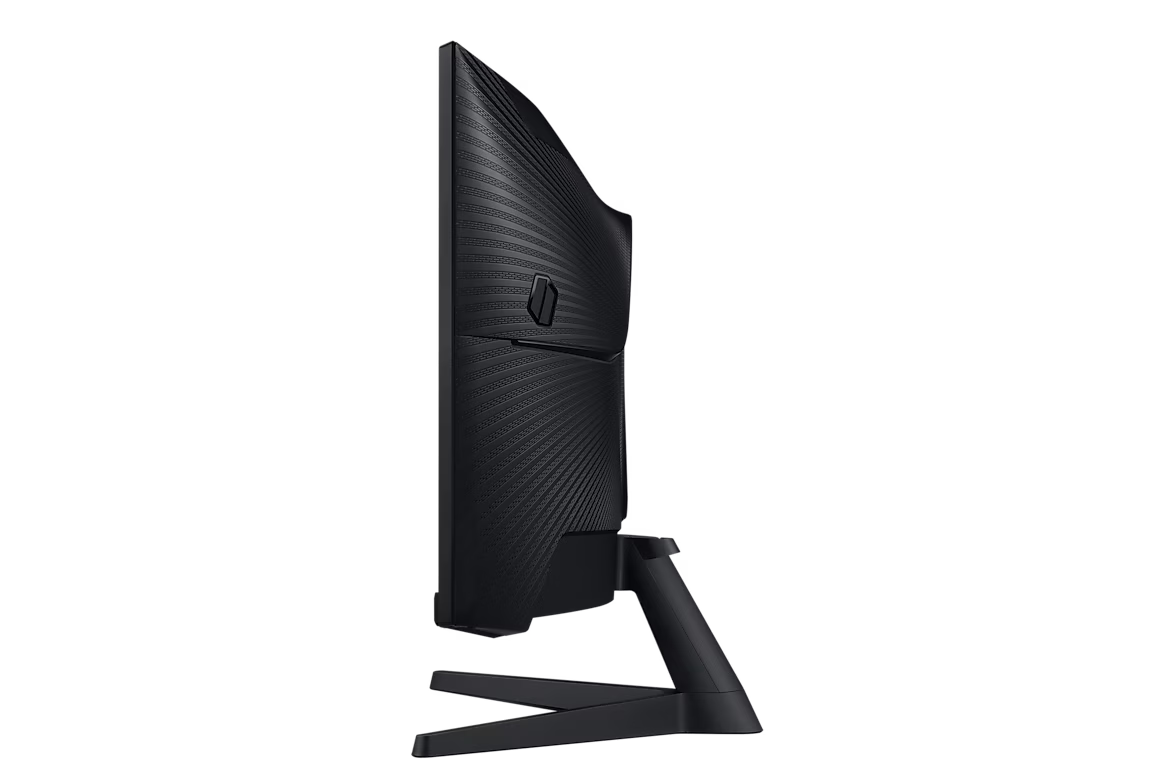
The Samsung Odyssey G5 34-inch measures about 80.7 cm wide and 27.3 cm deep with the stand. The included stand adjusts for tilt. A compatible 75 × 75 mm VESA mount gives you another placement option if you want to free up desk space. For a monitor arm, check the arm’s rating for the screen size and the 5.2 kg weight without the stand.
Samsung Odyssey G5 34-inch specifications
| Specification | Details |
|---|---|
| Model and finish | Odyssey G5 G55T, LC34G55TWWMXUE, Black |
| Display | 34-inch VA, 21:9, 1000R curve |
| Resolution and refresh | 3440 × 1440 UWQHD, up to 165Hz via DisplayPort and up to 100Hz via HDMI |
| Motion | 1ms MPRT, AMD FreeSync Premium |
| Brightness and contrast | 250 nits and 2,500:1 static contrast, both typical |
| HDR and viewing angles | HDR10, 178° horizontal and 178° vertical |
| Video inputs | 1× DisplayPort 1.4, 1× HDMI 2.0 |
| Audio | Headphone output, no built-in speakers |
| Stand and VESA mount | −2° to +18° tilt, 75 × 75 mm VESA |
| Dimensions with stand (W × H × D) | 806.6 × 475.3 × 272.6 mm |
| Weight | 5.6 kg with stand, 5.2 kg without stand |
Frequently asked questions
What resolution is the Samsung Odyssey G5 34-inch?
Its native resolution is 3440 × 1440 pixels, also called Ultra WQHD. The 21:9 panel has more horizontal pixels than a 2560 × 1440 QHD display.
Does the Samsung Odyssey G5 34-inch reach 165Hz over HDMI?
At 3440 × 1440, HDMI supports up to 100Hz. Use DisplayPort with a compatible graphics source to reach 165Hz.
What if my game only supports 16:9?
A game that only supports 16:9 may display with black bars on the sides if you preserve the original aspect ratio. Check the game’s display options for 21:9 support before choosing an ultrawide gaming monitor for that title.
Can I connect a laptop and a gaming PC at the same time?
Yes. You can connect one device by HDMI and the other by DisplayPort, then switch inputs or display them side by side using Picture-by-Picture. If your laptop outputs video through USB-C, use a compatible video adapter or cable. The monitor’s video inputs are HDMI and DisplayPort.
Can I use a monitor arm?
Yes. Choose an arm with a 75 × 75 mm VESA plate and a load rating suitable for a 34-inch curved screen weighing 5.2 kg without the stand.
Ask Shah Computers in Nairobi
For current pricing, availability and warranty details on the Samsung Odyssey G5 34-inch, call 0113 219 859. Find Shah Computers on the 1st Floor of Maharaja House, 01 Shivachi Road, opposite M.P. Shah Hospital, Westlands, Nairobi.
Compare this model with our other computer monitors in Kenya and see the official Samsung G55T specifications.
Reviews
There are no reviews yet.