


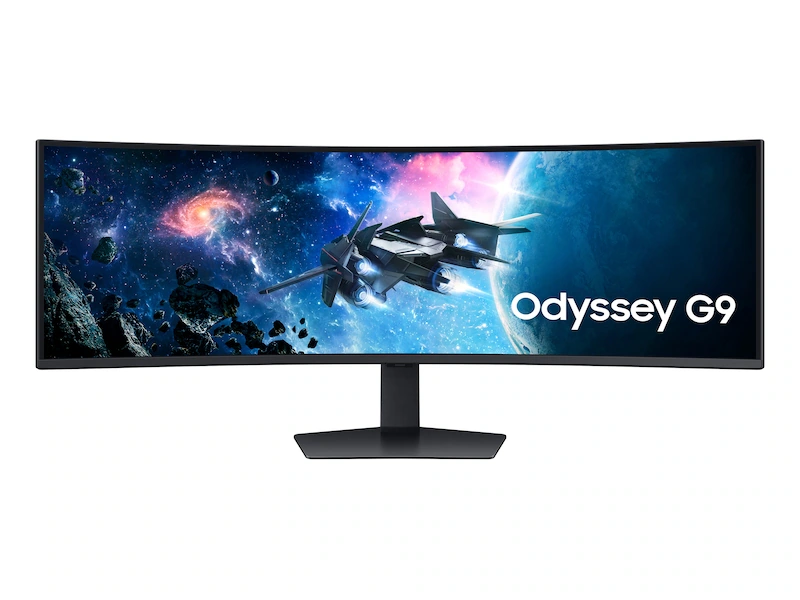
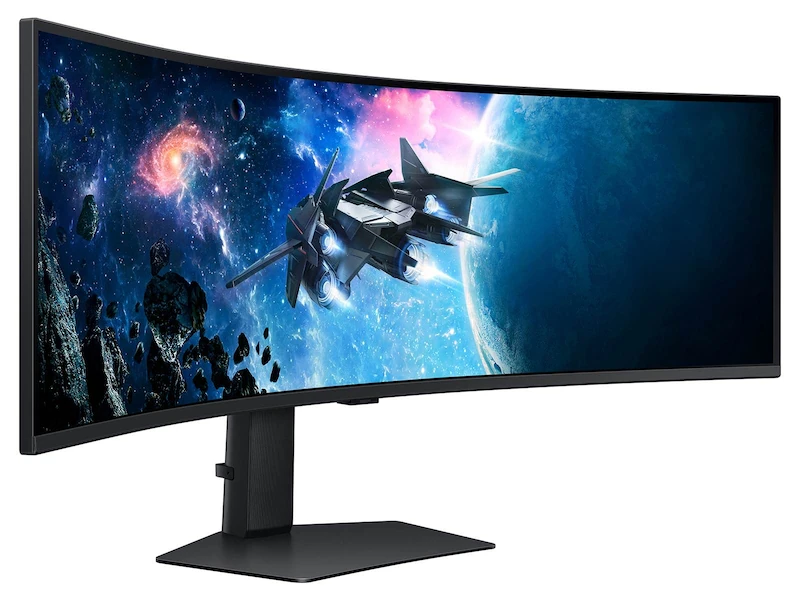
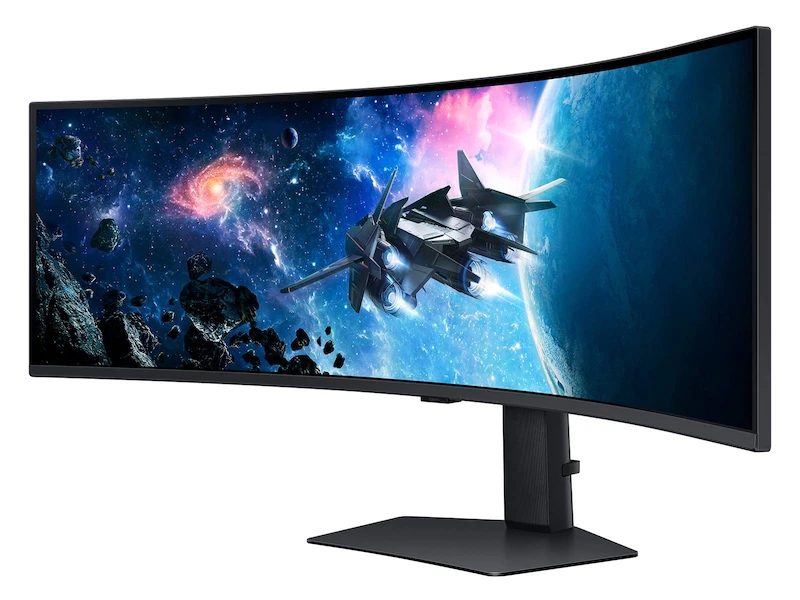
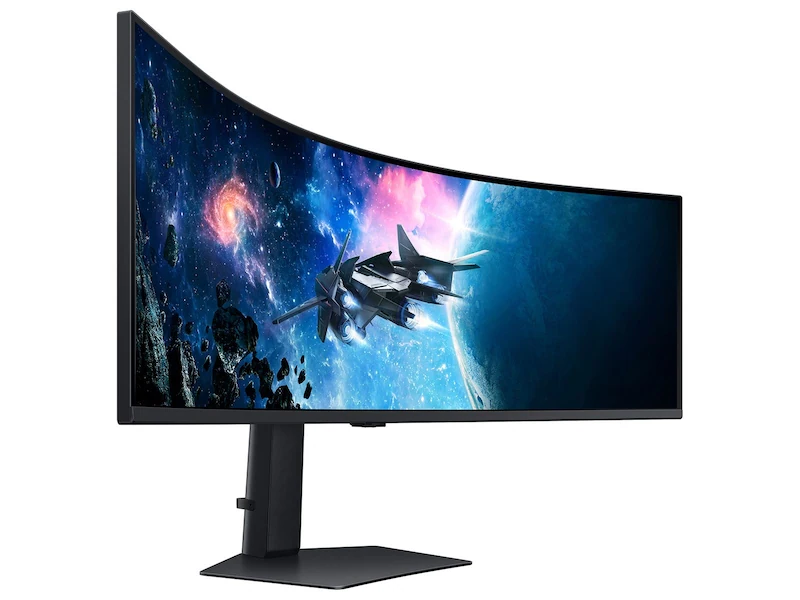
The Samsung Odyssey OLED G9 G95SD, also called G952 (LS49DG952SMXUE), is a silver 49-inch curved monitor with a 32:9 OLED display and native Dual QHD resolution of 5120 × 1440. It pairs an 1800R curve with a refresh rate of up to 240Hz, a rated 0.03ms grey-to-grey response time and built-in Tizen smart features.
Samsung Odyssey OLED G9 for racing, flight sims and multitasking
The screen gives you the same desktop pixel width as two 2560 × 1440 displays side by side, without a bezel across the middle. In racing games that support 32:9, you can see more of the track and cockpit at the same time. In a flight simulator, the extra width can leave more of the instrument panel in view. Outside gaming, it gives you room for a document, a browser and a video call on one screen.
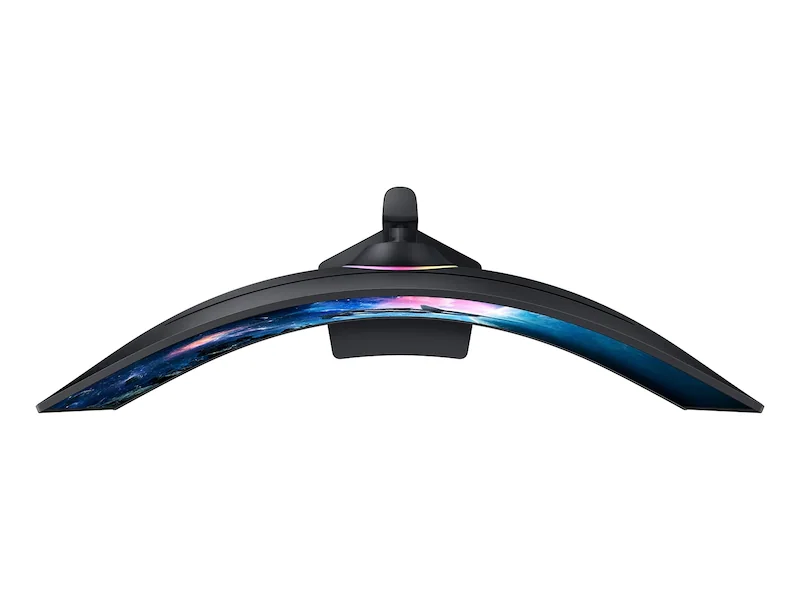
With a 32:9 ultrawide monitor, where you sit makes a difference. Centre the screen in front of your chair and leave the outer edges clear of speakers or desk shelves. The 1800R curve brings those edges closer, so it feels more natural to glance across the screen from the centre.
OLED contrast and fewer reflections
The OLED panel on the Samsung Odyssey OLED G9 is especially useful in games that move between dark rooms and bright outdoor scenes. Individually lit pixels allow for deep blacks, and Samsung’s Glare Free finish reduces reflections from nearby lights. Samsung lists 250 nits of typical brightness, a typical static contrast ratio of 1,000,000:1 and support for HDR10 and HDR10+ Gaming.
Samsung OLED Safeguard uses features such as thermal brightness control and a screen saver. If you use the display for work as well as games, set it to sleep when idle and avoid leaving the same bright desktop or dashboard on screen for long periods.
Getting 240Hz on the Samsung Odyssey OLED G9
For full-speed PC gaming, connect this 240Hz OLED gaming monitor directly over DisplayPort 1.4 or HDMI 2.1 using a compatible graphics card and cable. Select 5120 × 1440 and the highest available refresh rate in your display settings. If 240Hz is missing, check Game Mode and verify that your graphics output can drive Dual QHD at that rate.
AMD FreeSync Premium Pro and NVIDIA G-SYNC compatibility help reduce screen tearing with compatible hardware. Samsung’s 0.03ms GtG figure measures pixel transitions under test conditions. Your game frame rate will still depend on the graphics card, game engine and quality settings.
Tizen apps, sound and connections
The Samsung Odyssey OLED G9 can run supported Smart TV apps over Wi-Fi, so you can put on a show with your PC switched off. Smart features require an internet connection and a Samsung account. Available apps and Gaming Hub services vary by country, and some services require a subscription. Samsung lists 10W output for the built-in speakers.
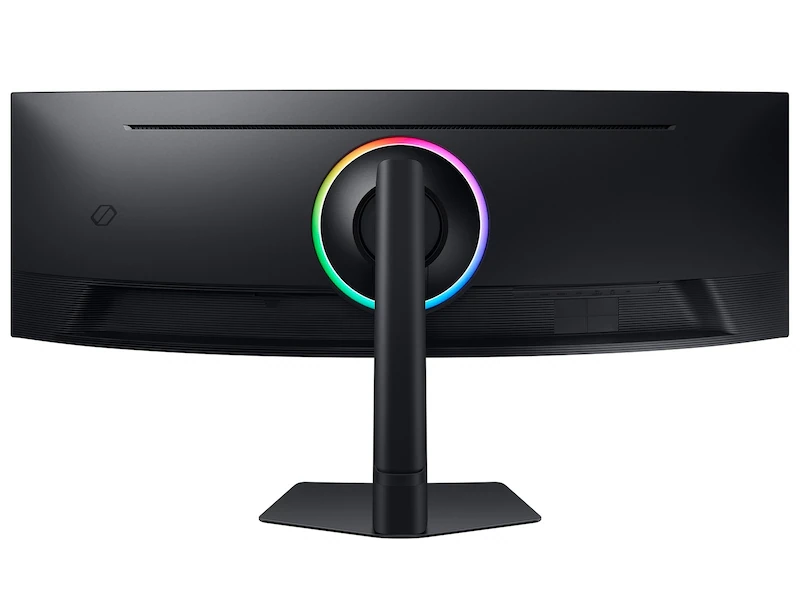
The rear connections include full-size HDMI, Micro HDMI and DisplayPort. Micro HDMI uses a smaller plug, which matters when choosing a cable for your second device. The USB-C upstream port handles data. Connect computers and consoles through one of the dedicated video inputs.
Samsung Odyssey OLED G9 specifications
| Specification | Details |
|---|---|
| Model and finish | G95SD (G952), LS49DG952SMXUE, silver |
| Screen | 49-inch OLED, 32:9, 1800R curve |
| Native resolution | 5120 × 1440 Dual QHD |
| Refresh and response | Up to 240Hz, 0.03ms GtG rated |
| HDR and brightness | HDR10, HDR10+ Gaming, 250 nits typical |
| Video ports | 1× DisplayPort 1.4, 1× HDMI 2.1, 1× Micro HDMI 2.1 |
| Connectivity and audio | Wi-Fi 5, Bluetooth 5.2, built-in 10W speaker output |
| Stand and mount | 120 mm height adjustment, −2° to +15° tilt, 100 × 100 mm VESA |
| Size with stand (W × H × D) | 1194.7 × 529.3 × 236.9 mm |
| Weight | 12.6 kg with stand, 8.8 kg without stand |
Frequently asked questions
What does Dual QHD mean on the Samsung Odyssey OLED G9?
Dual QHD is 5120 × 1440 pixels. It gives you the horizontal pixel count of two 2560 × 1440 screens on a single 32:9 panel.
Will every game or console fill the 49-inch display?
Full-width play requires a game and source that support 32:9. If your game or console sends a 16:9 image, preserving its aspect ratio can leave black bars on both sides.
Can I connect a laptop using USB-C?
Use a compatible USB-C video adapter or cable from your laptop to one of the monitor’s HDMI or DisplayPort inputs. The monitor’s USB-C connection is for data, and the resolution and refresh rate depend on your laptop and adapter.
Can I use a monitor arm with the Samsung Odyssey OLED G9?
Yes. Choose a VESA 100 × 100 mm arm rated to hold an 8.8 kg, 49-inch curved display. With the original stand, allow for a screen width of about 119.5 cm and a depth of about 23.7 cm, plus room for cables.
Which cables does Samsung list in the box?
Samsung lists a DisplayPort cable, an HDMI-to-Micro HDMI cable and a USB-C to USB-A adapter cable for this model. It also lists a remote controller. You can confirm the package contents with Shah Computers if you need a particular cable.
Ask Shah Computers in Nairobi
For pricing and availability on the Samsung Odyssey OLED G9, call or WhatsApp 0113 219 859. Shah Computers is on the 1st floor of Maharaja House, opposite M.P. Shah Hospital, in Westlands, Nairobi.
Compare computer monitors in Kenya for your setup and see the official Samsung G952 specifications.
Reviews
There are no reviews yet.