





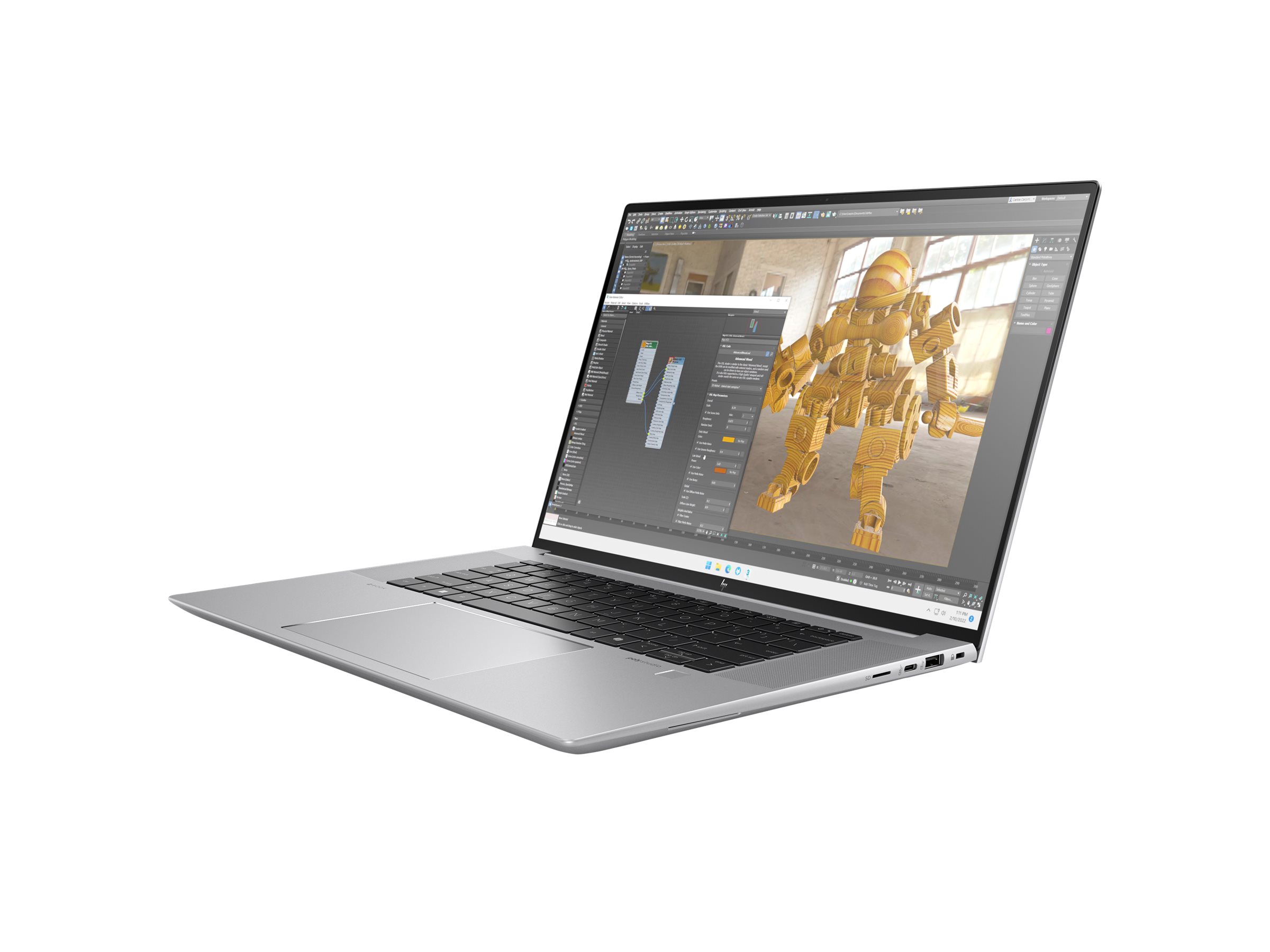
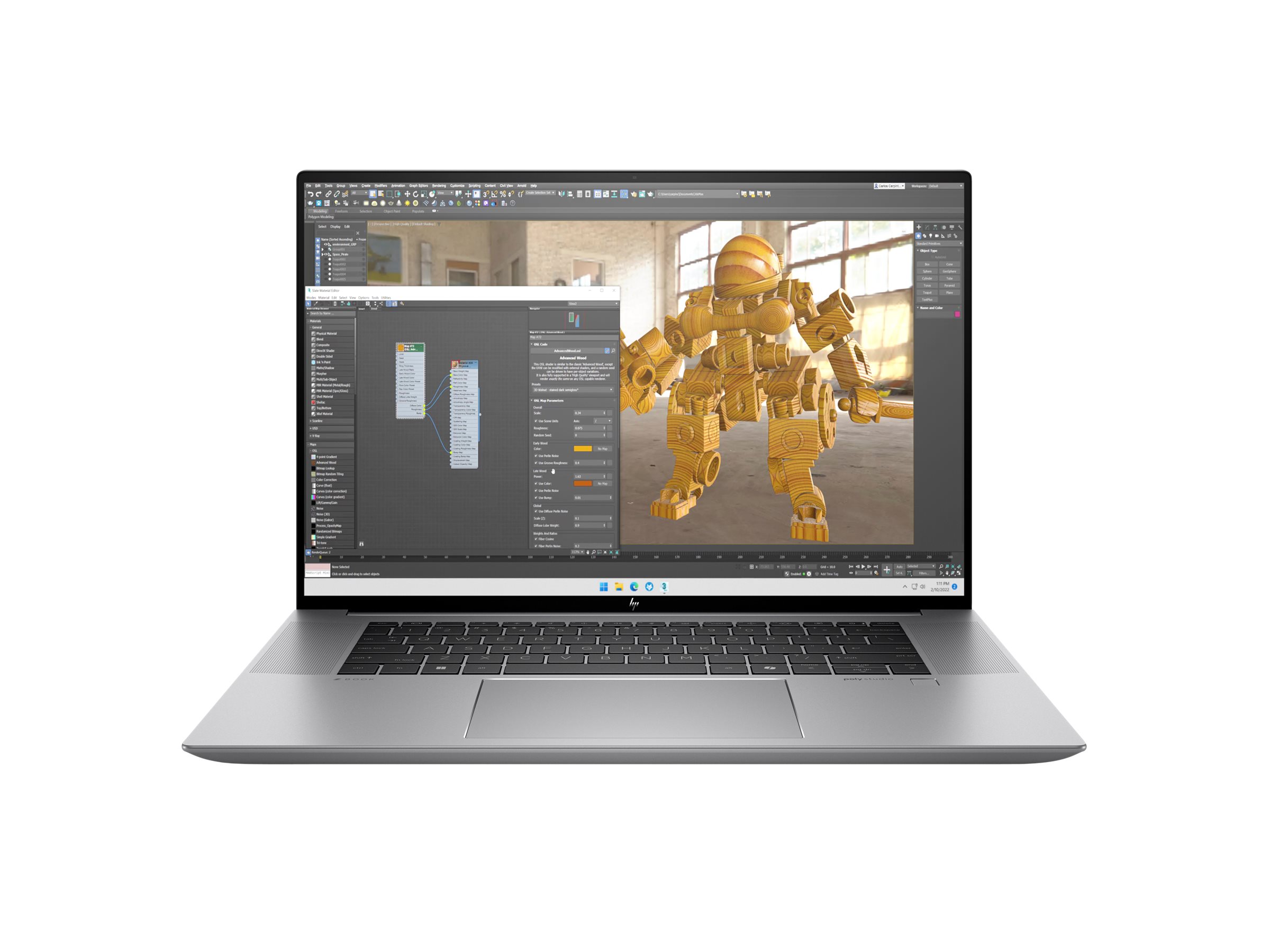
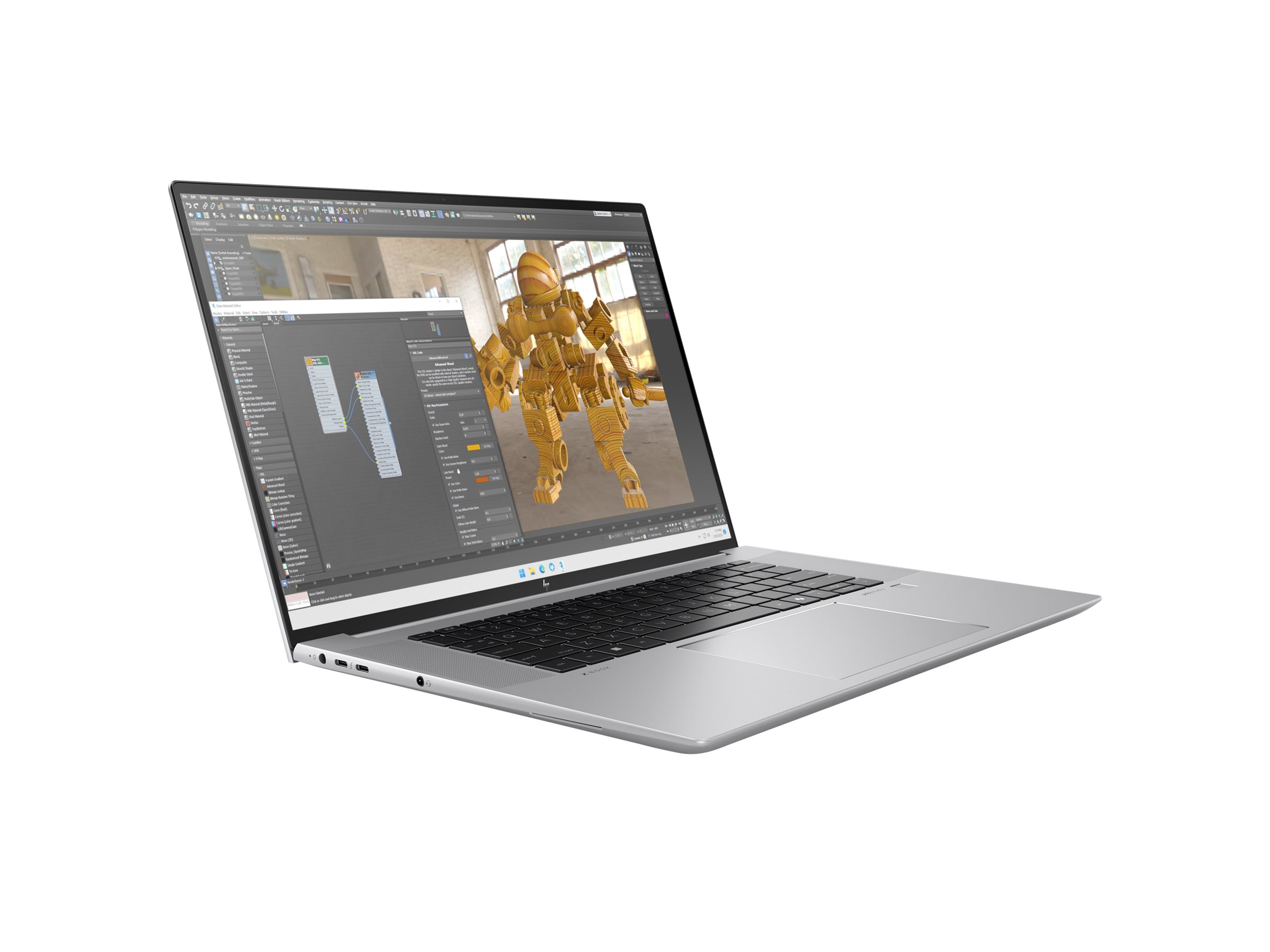
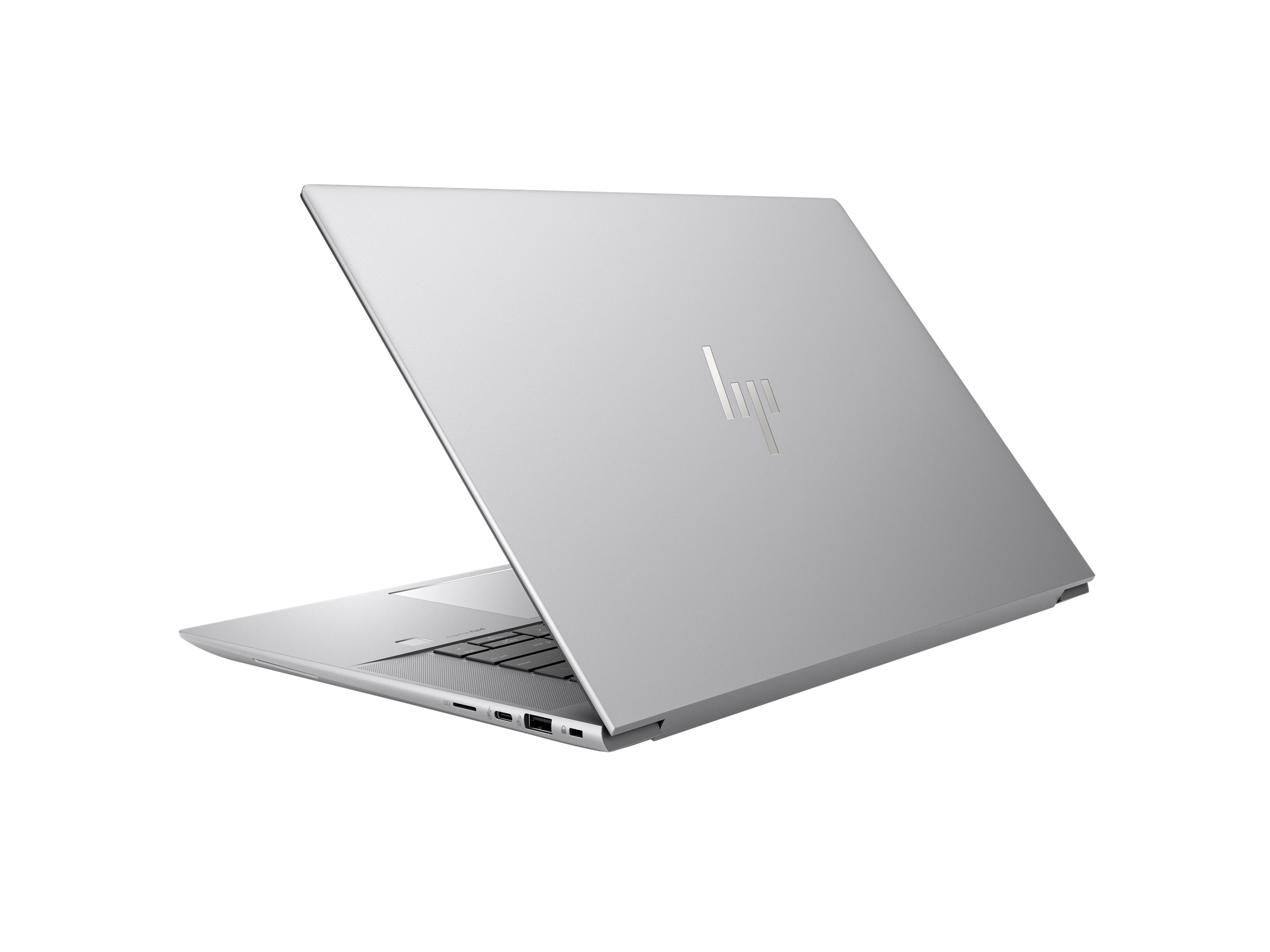
The HP ZBook Studio G11 is a certified renewed 16-inch mobile workstation laptop with an Intel Core Ultra 7 155H, 16 GB of RAM, a 1 TB SSD and NVIDIA RTX 1000 Ada graphics. It suits architects, engineers and designers who need to take drawings, 3D models and client presentations between the office and a project site.
HP ZBook Studio G11 performance for CAD and design
The Core Ultra 7 155H has 16 cores and 22 threads, with a performance-core boost of up to 4.8 GHz. That combination is useful on days when you switch between a drawing, a reference PDF, a spreadsheet and a video call. The 1 TB SSD gives you room for applications, active project files and reference images on the same drive.
The NVIDIA RTX 1000 Ada Generation Laptop GPU has 6 GB of dedicated GDDR6 memory. In applications that use GPU acceleration, that memory gives 3D models, textures and video effects dedicated space on the GPU as you work.
16-inch WUXGA display for drawings and documents
The HP ZBook Studio G11 has a 1920 × 1200 display with a 16:10 aspect ratio. The extra 120 vertical pixels over a 1920 × 1080 screen leave more room for drawing toolbars, timelines and the rows in a spreadsheet. The non-touch panel is rated at 400 nits, and its anti-glare finish helps reduce reflections under overhead lights.
With 100% sRGB coverage, the panel is a good fit for reviewing web graphics, presentations and other work intended for standard sRGB screens. It’s a low-power WLED panel with a low blue light design.
Docking, external displays and calls
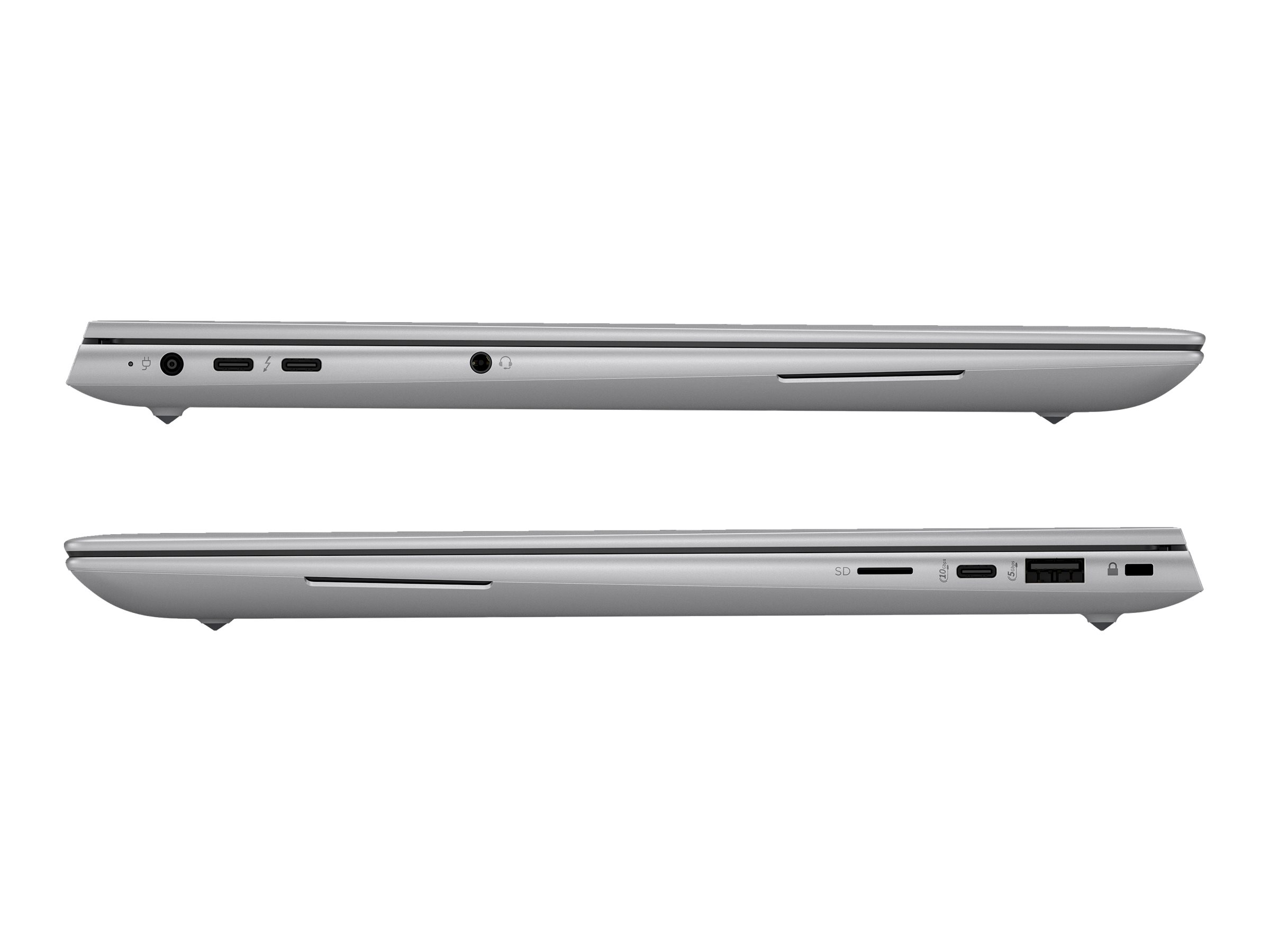
At a desk, you can connect the HP ZBook Studio G11 to a compatible dock through either of its two Thunderbolt 4 ports. Both support up to 40 Gbps, USB Power Delivery and DisplayPort 1.4. The separate USB-C port handles data at up to 5 Gbps and also supports DisplayPort 1.4 video and USB Power Delivery. Use the dedicated power connector when your dock cannot supply the power your workload needs.
You can leave a mouse receiver plugged into the USB-A port while using Thunderbolt for a dock or an external drive. The microSD reader lets you transfer photos or footage from compatible cameras. For calls and presentations, the laptop has Poly Studio audio with two tweeters, two woofers and dual-array digital microphones.
HP ZBook Studio G11 specifications
| Specification | Configuration |
|---|---|
| Condition | Certified renewed |
| Warranty | 1 year |
| Processor | Intel Core Ultra 7 155H, 16 cores (6 P-cores, 8 E-cores and 2 low-power E-cores), 22 threads, 24 MB L3 cache. P-core boost up to 4.8 GHz and E-core boost up to 3.8 GHz. |
| System memory | 16 GB DDR5. Two SODIMM slots with up to 64 GB supported by the platform. |
| Storage | 1 TB PCIe NVMe SSD |
| Graphics | NVIDIA RTX 1000 Ada Generation Laptop GPU with 6 GB GDDR6. Intel Arc integrated graphics on eligible dual-channel configurations. |
| Display | 16-inch WUXGA (1920 × 1200), 60 Hz, non-touch, anti-glare, wide-viewing-angle WLED LCD, 400 nits, 100% sRGB |
| Left side | Power connector, 2 × Thunderbolt 4 / USB4 (40 Gbps, USB Power Delivery, DisplayPort 1.4 and HP Sleep and Charge), headphone/microphone combo jack |
| Right side | 1 × USB-A (5 Gbps with charging), 1 × USB-C (5 Gbps with USB Power Delivery and DisplayPort 1.4), nano security lock slot |
| Card reader | microSD 7.1 with support for microSD, microSDHC, microSDXC and microSDUC media |
| Wireless | Intel Wi-Fi 7 BE200 and Bluetooth 5.4 |
| Audio | Poly Studio quad speakers, top-facing dual-array digital microphones and keyboard volume controls |
Frequently asked questions
Is this a suitable laptop for CAD and 3D modelling?
Yes. This configuration is a practical choice for 2D drafting and day-to-day 3D modelling. For large assemblies or GPU rendering, compare your application’s recommended memory and graphics requirements with the 16 GB of system RAM and 6 GB of dedicated video memory.
Can the HP ZBook Studio G11 RAM be upgraded?
Yes. The workstation supports up to 64 GB of DDR5 memory across two SODIMM slots. Ask about the installed module layout when planning an upgrade. HP specifies an eligible system with at least 16 GB in dual-channel mode for the integrated GPU to qualify as Intel Arc.
Can I connect an HDMI monitor to the HP ZBook Studio G11?
Yes, using a compatible USB-C to HDMI adapter or a dock with an HDMI connection. For a DisplayPort monitor, use a compatible USB-C to DisplayPort cable.
Is the HP ZBook Studio G11 covered by a warranty?
Yes. This certified renewed unit includes a 1-year warranty. Shah Computers can confirm the coverage terms.
Will the Wi-Fi 7 card work with my current router?
Yes, the Intel wireless card can join networks using earlier Wi-Fi standards. Wi-Fi 7 features require a compatible router and operating system. Bluetooth 5.4 can connect a headset or mouse while the laptop is on Wi-Fi.
Request a quote for the HP ZBook Studio G11
If you’re comparing laptops and workstations in Nairobi, call Shah Computers on 0113 219 859 for current pricing and availability. Ask about the installed operating system and included accessories for this certified renewed workstation. Visit us on the first floor of Maharaja House, 01 Shivachi Road, opposite M.P. Shah Hospital in Westlands.
Compare other refurbished laptops in Kenya or see the official HP manufacturer datasheet for platform specifications.
Reviews
There are no reviews yet.