

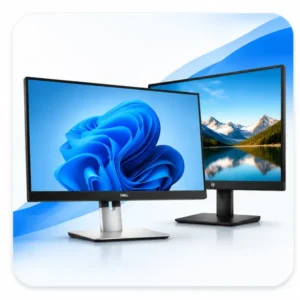
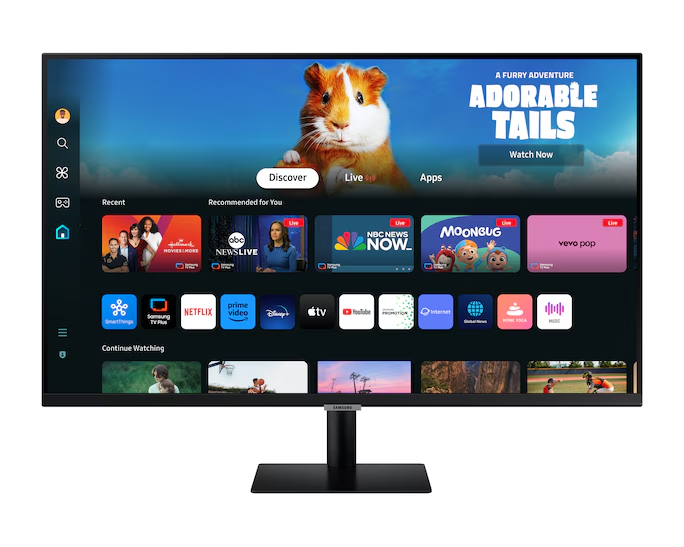
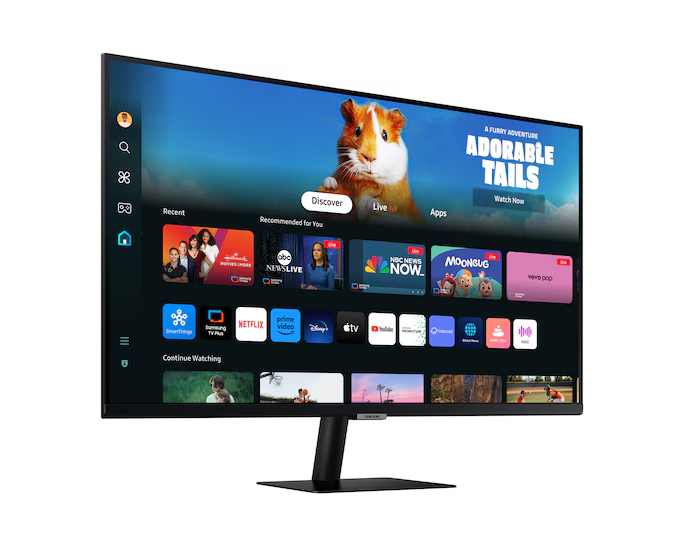
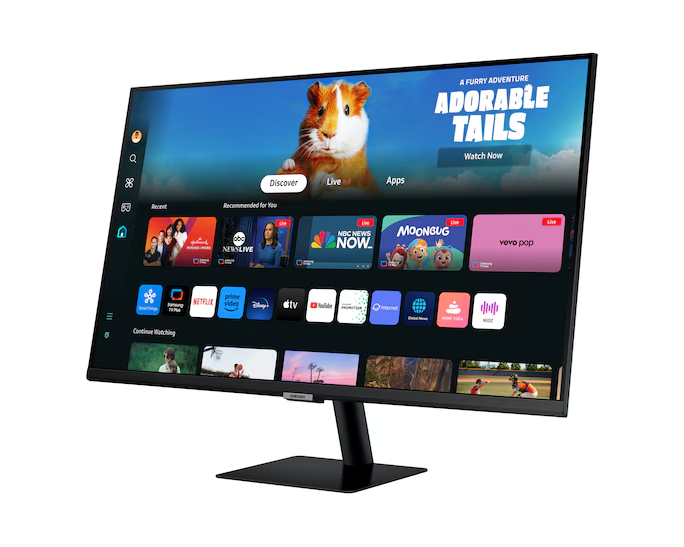
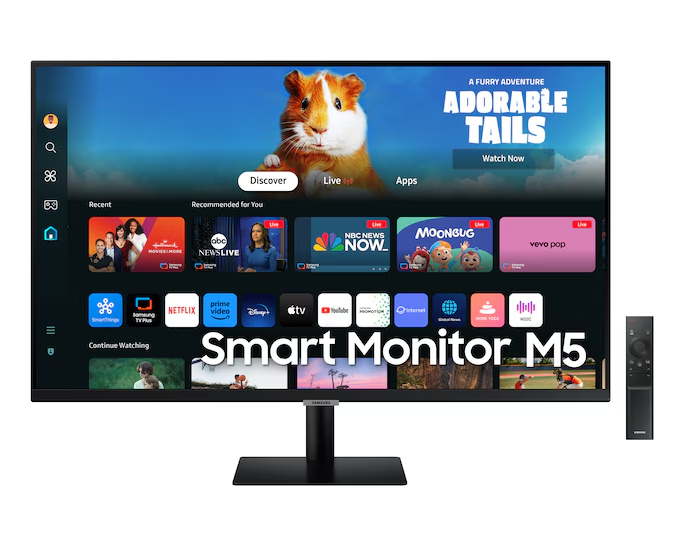
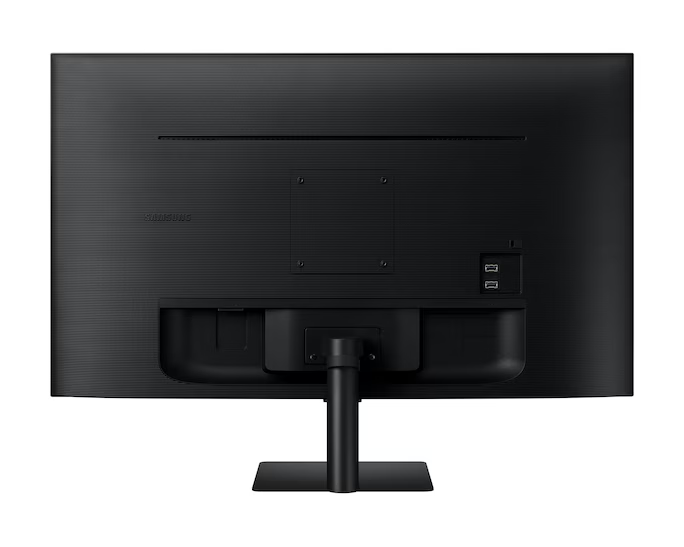
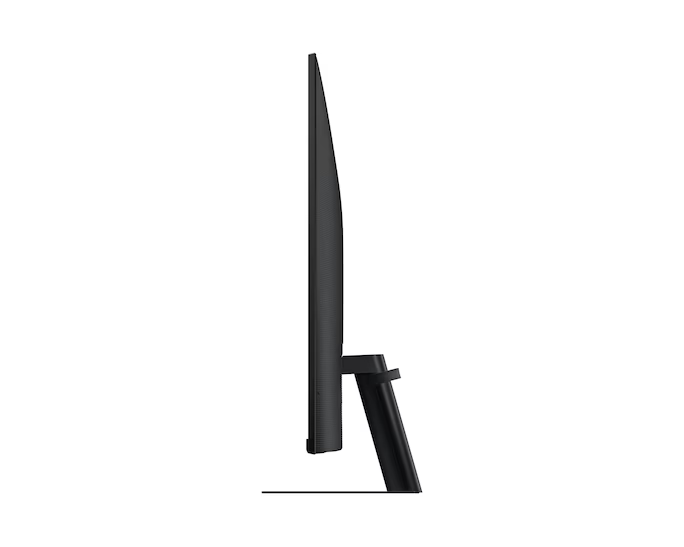
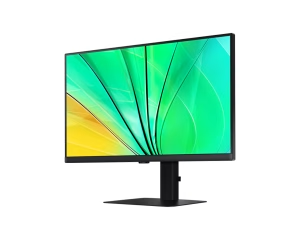
The Samsung Smart Monitor M5 M50D (LS27DM500EMXUE) is a black 27-inch FHD monitor with a flat VA panel, built-in 10 W speakers and Tizen Smart TV apps. Connect a laptop for work or study, then use the monitor’s apps to watch supported streaming services without keeping your computer on.
Samsung Smart Monitor M5 for work and study
The 1920 × 1080 resolution is a practical fit for documents, browser tabs, online classes and video calls. The flat VA monitor gives you a conventional 16:9 layout for work and video. The 3000:1 typical contrast rating helps distinguish darker areas on screen, and HDR10 support is available for compatible content.
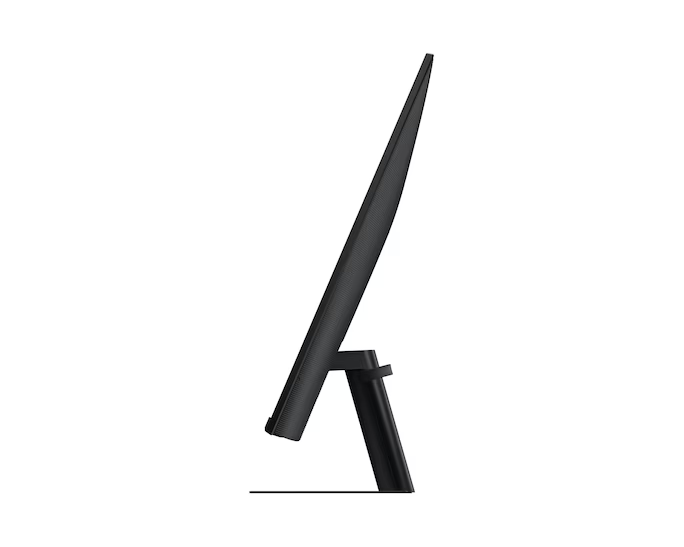
With the stand attached, the monitor is about 19.4 cm deep. That leaves room for a keyboard or notebook on a shallow desk. The stand tilts from about −2° to 22° so you can adjust the angle from your seat. Eye Saver Mode and flicker-free technology are also available for longer reading or study sessions.
Stream directly from the monitor
If you want a monitor with Smart TV apps for a bedroom, studio or home office, the M50D can play supported services over Wi-Fi. Sign in with a Samsung Account to access smart features. Individual apps can require their own sign-in or subscription, and availability depends on your region.
Use the remote to switch between apps and connected devices, and use the built-in speakers for videos or shows. Compatible screen mirroring can put a photo or presentation from your phone on the larger display. Samsung Workspace also supports remote access to a compatible computer after setup, which is handy when the files you need are on another machine. Multi View can show up to two videos from supported sources, such as a tutorial beside other content, depending on the apps and inputs you use.
Connect a PC and console for everyday gaming
The two HDMI inputs let you leave a computer and a console connected at the same time. Select the input you want from the on-screen menu. The USB-A ports are available for compatible accessories, while Bluetooth 5.2 supports compatible wireless devices.
If you’re comparing gaming monitors for occasional console sessions, the Samsung Smart Monitor M5 supports Full HD at up to 60 Hz with a 4 ms grey-to-grey response time. That makes sense for story games, sports titles and other casual play. Game Bar 2.0 gives you quick access to supported game settings.
Samsung Smart Monitor M5 M50D specifications
| Specification | Details |
|---|---|
| Model | M50D, LS27DM500EMXUE, black |
| Screen | 27-inch flat VA panel, 16:9 |
| Resolution and motion | 1920 × 1080 Full HD, up to 60 Hz, 4 ms GtG |
| Picture | 250 nits typical brightness, 3000:1 typical contrast, HDR10 |
| Smart platform | Tizen, Smart TV apps, screen mirroring and Workspace |
| Wired connections | 2 × HDMI 1.4, 2 × USB-A |
| Wireless | Wi-Fi 5, Bluetooth 5.2 |
| Sound | 10 W built-in speakers, Adaptive Sound |
| Stand and mount | Tilt adjustment, 100 × 100 mm VESA |
| Dimensions with stand | 615.5 × 455.4 × 193.5 mm (W × H × D) |
| Weight | 4.8 kg with stand, 3.6 kg without stand |
Frequently asked questions
Do I need a Samsung Account to use the Samsung Smart Monitor M5?
You can use it as an HDMI display without signing in. A Samsung Account unlocks the built-in apps and network-based smart features. Streaming also requires an internet connection.
Can I use the Samsung Smart Monitor M5 with a TV decoder?
Yes. Connect a decoder with HDMI output to one of the monitor’s HDMI inputs, then select that source. For antenna channels, use a compatible external tuner or decoder.
Is the Samsung Smart Monitor M5 flat or curved?
The M50D has a flat 27-inch screen. If you’re comparing it with a curved monitor for a two-screen desk, the M50D’s straight profile can line up with another flat display.
How do I connect a laptop with USB-C video output?
Use a compatible USB-C to HDMI adapter or cable and select the HDMI input you connected it to. The laptop’s USB-C port needs to support video output. Keep its charger connected for power.
Can I use the M50D for video calls?
Yes, as a display for your connected computer. Use the computer’s webcam and microphone for the call, then select the monitor as the audio output if you want to hear the meeting through its speakers. This setup carries the video and playback audio over HDMI.
Can I mount the M50D on a monitor arm?
Yes. Choose an arm with a 100 × 100 mm VESA mount that supports the monitor’s 3.6 kg weight without its stand.
Ask Shah Computers about the Samsung Smart Monitor M5
For M50D pricing and availability, call Shah Computers on 0113 219 859. Our shop is on the first floor of Maharaja House, 01 Shivachi Road, opposite M.P. Shah Hospital in Westlands, Nairobi.
Browse our computer monitors in Kenya or refer to Samsung’s official M50D specifications for model details.
Reviews
There are no reviews yet.