


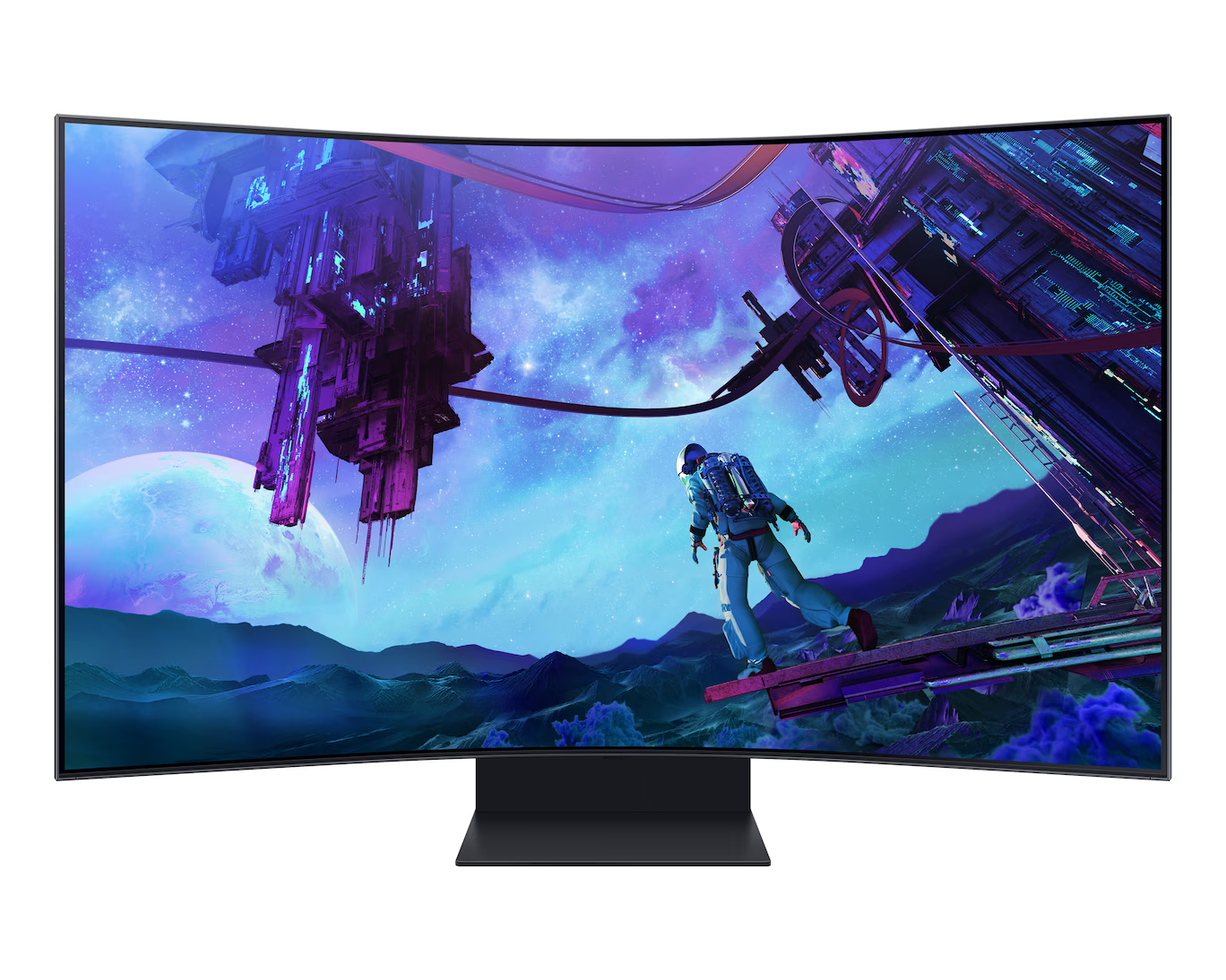
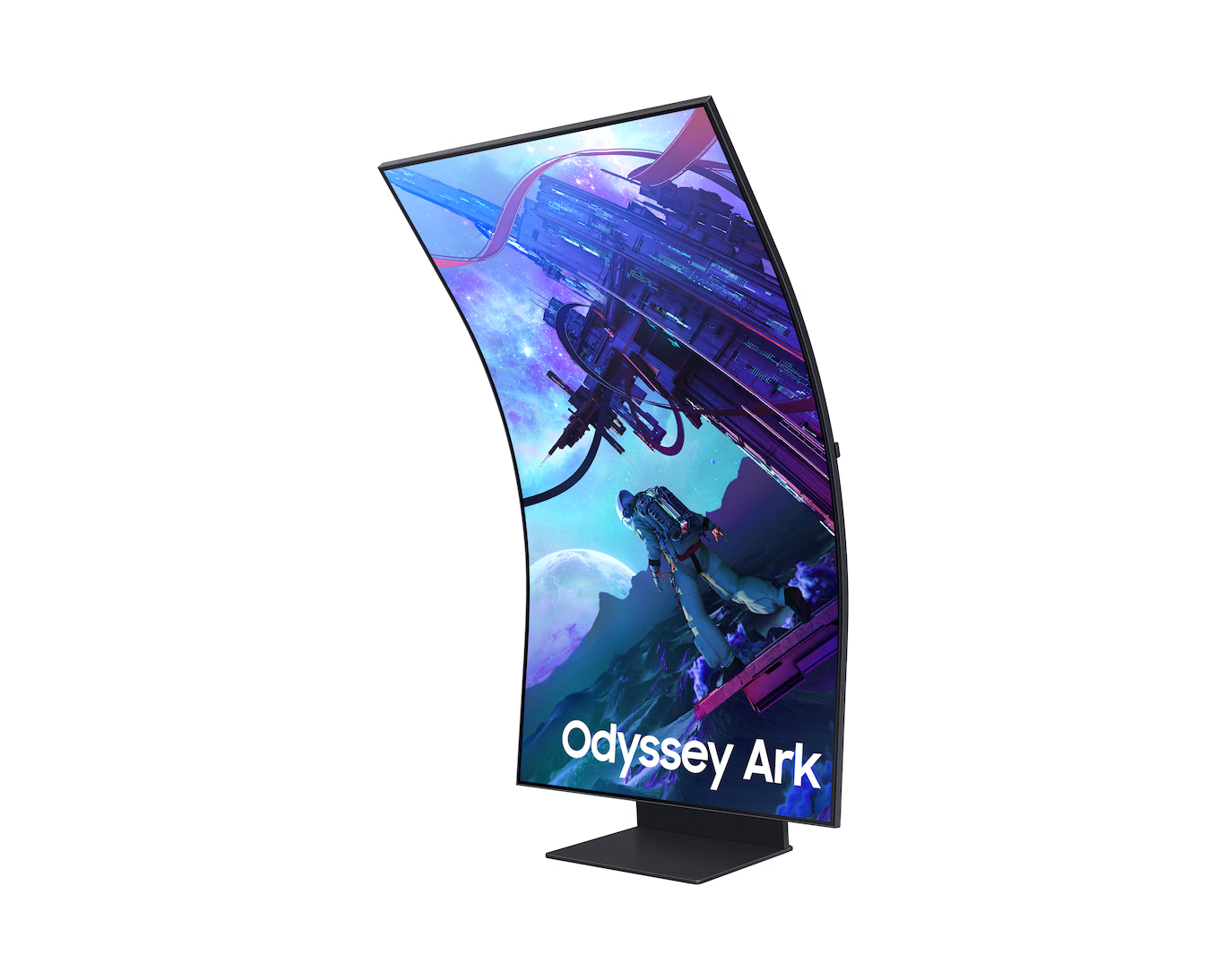
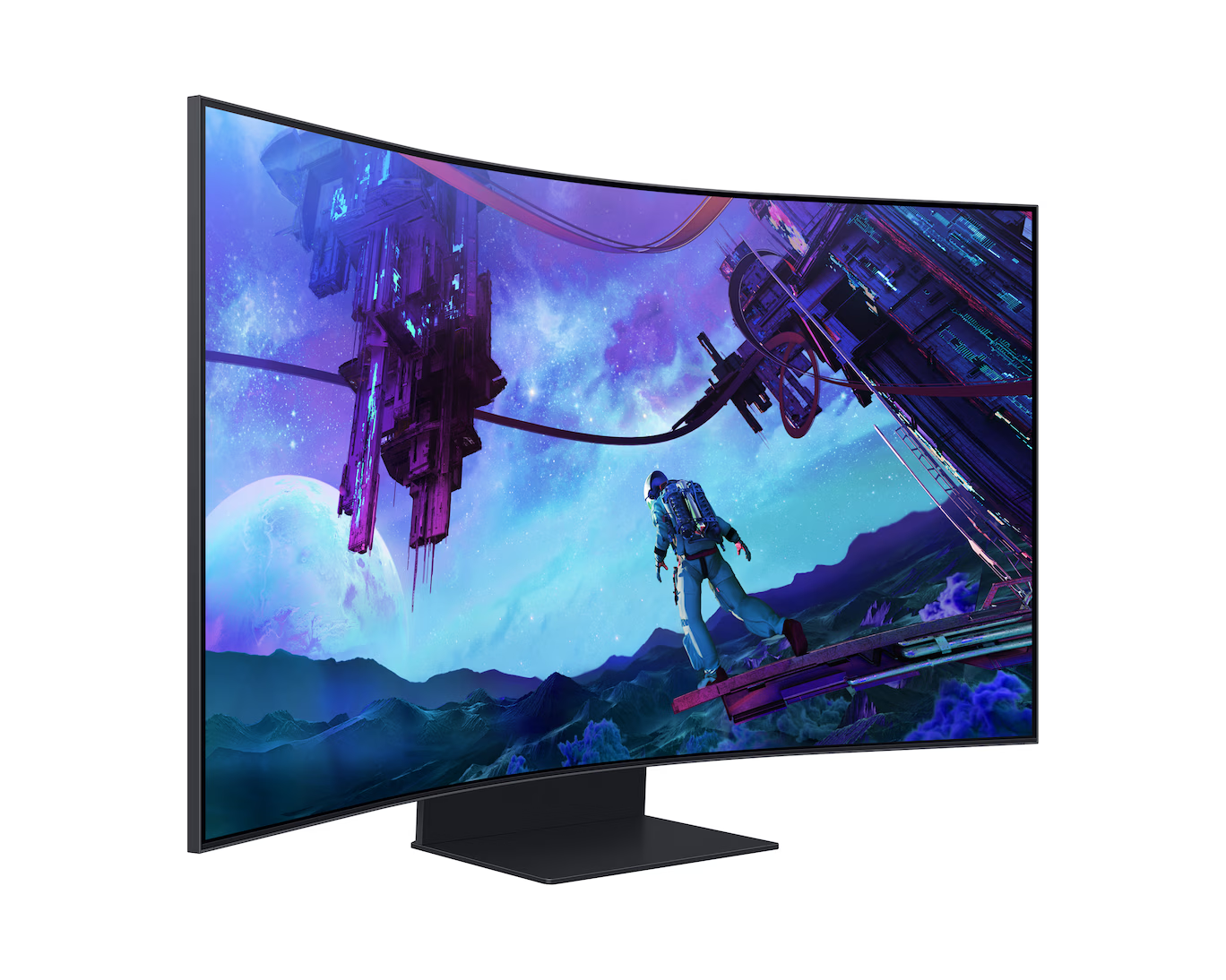
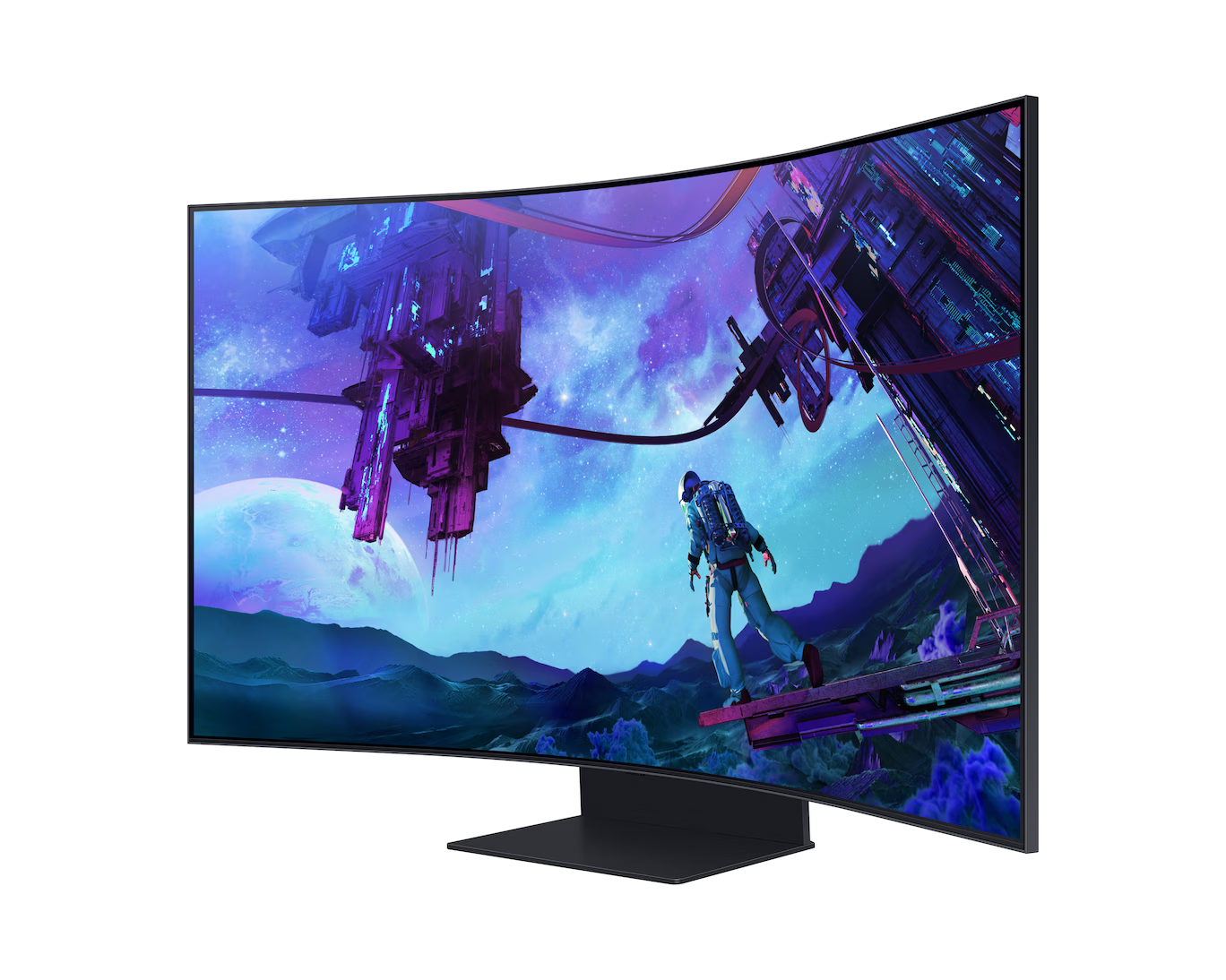
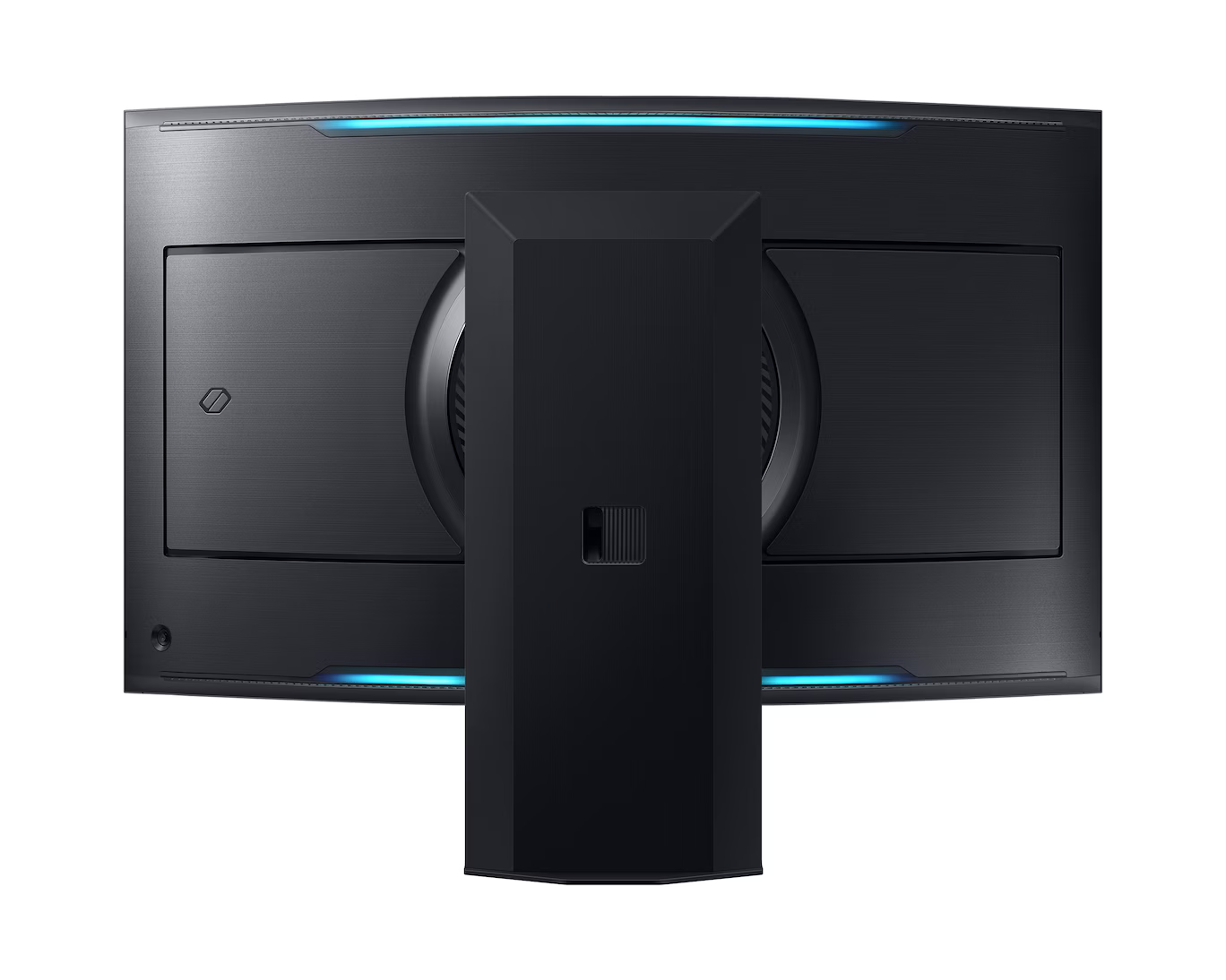
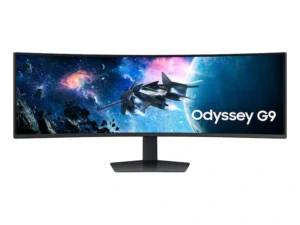
The Samsung Odyssey Ark 2nd Gen (G97NC, LS55CG97WNMXUE) is a 55-inch 4K curved gaming monitor with a Quantum Mini LED backlight, a 1000R curve and a refresh rate of up to 165 Hz. It suits a PC gaming desk or simulator setup where you have room for a large display and want to keep a console or second PC connected.
Samsung Odyssey Ark 2nd Gen picture and motion
The 3840 × 2160 resolution gives you room to see fine details in a game, keep map text legible or view a video timeline. This Mini LED gaming monitor uses local dimming to adjust the backlight by zone. Bright areas in an HDR scene can stand out while darker areas stay dimmer. The matte finish helps cut reflections from room lights.
At up to 165 Hz, camera pans and steering movements can look smoother when your PC delivers a high frame rate. Samsung rates pixel response at 1 ms grey-to-grey in Extreme mode. With a compatible GPU, AMD FreeSync Premium Pro can vary the refresh rate to help reduce screen tearing. HDR10+ Gaming is available with compatible hardware and content.
Show a PC and console together with Multi View
Multi View lets you put a game beside another input. For example, you can keep a console game visible while using a PC for a guide or stream controls. The Samsung Odyssey Ark 2nd Gen can show up to four sources in landscape or up to three views in vertical Cockpit Mode. Select a full-screen input when you want to give one game the entire display.
The video connections sit on the external One Connect box. Connect a gaming console to an HDMI 2.1 port and leave the DisplayPort 1.4 input available for a desktop PC. With the built-in KVM switch, you can share one keyboard and mouse between compatible computers. That is useful if the same desk doubles as your workspace.
Plan space for the 1000R curved screen
The 1000R curve brings the edges of the screen toward your seating position. As a 55-inch gaming monitor, the Ark works well where you can sit far enough back to take in the full display. With the stand, the Samsung Odyssey Ark 2nd Gen is just under 1.18 m wide and about 38 cm deep. Allow space for the panel to pivot if you plan to use Cockpit Mode.
The Ark Dial lets you move and resize the active picture with Flex Move Screen. You can reduce the picture to about 27 inches to keep menus and controls closer to the centre. Built-in 60 W sound with four speakers, two woofers and Dolby Atmos gives you an audio option for a setup with limited room for separate speakers.
Samsung Odyssey Ark 2nd Gen specifications
| Specification | Details |
|---|---|
| Model and finish | G97NC, LS55CG97WNMXUE, black |
| Screen | 55-inch matte VA panel, 1000R curve, 16:9 |
| Resolution | 4K UHD (3840 × 2160) |
| Backlight and HDR | Quantum Mini LED local dimming, 600 nits typical brightness, HDR10+ Gaming |
| Motion | Up to 165 Hz, 1 ms GtG in Extreme mode, AMD FreeSync Premium Pro |
| Video inputs | 2 × HDMI 2.1, 1 × HDMI 2.0, 1 × DisplayPort 1.4 |
| Other connections | USB hub, headphone jack, Ethernet, Wi-Fi 5, Bluetooth 5.2 |
| Audio | 60 W, 2.2.2 channels, Dolby Atmos |
| Stand | Height adjustment, tilt and pivot between landscape and portrait |
| Dimensions with stand | 1174.8 × 1102.0 × 379.0 mm (W × H × D) |
| Weight with stand | 41.5 kg |
Frequently asked questions
How do I get 4K at 165 Hz on the Samsung Odyssey Ark 2nd Gen?
Connect a PC that can output 3840 × 2160 at 165 Hz with a cable rated for that signal. Enable Game Mode, select a single source and choose 165 Hz in your PC’s display settings.
Does the Samsung Odyssey Ark 2nd Gen support 4K at 120 Hz for console games?
Yes. Use an HDMI 2.1 input with a compatible console and cable. Set the console to 120 Hz and choose a game that supports that mode.
What refresh rate does the Samsung Odyssey Ark 2nd Gen support in Multi View?
Samsung specifies up to 120 Hz for external inputs in Multi View. To use Game Mode or FreeSync variable refresh rate, display one source at a time.
How do I set up the built-in KVM?
Connect the keyboard and mouse to the monitor’s USB hub and give each PC a USB upstream connection as well as a video connection. Samsung specifies its Easy Setting Box software for sharing mouse control across the displayed PC sources.
Can I connect a laptop with USB-C video output?
Yes. Use a compatible USB-C to DisplayPort cable or USB-C to HDMI adapter and connect it to the One Connect box. Check the resolution and refresh rate supported by both the laptop and the adapter. That matters if you want to run 4K at a high refresh rate.
Ask Shah Computers about the Samsung Odyssey Ark 2nd Gen
If you’re comparing gaming monitors or planning a setup around a large curved monitor, call Shah Computers on 0113 219 859 for a quote and availability. Find us on the first floor of Maharaja House, 01 Shivachi Road, opposite M.P. Shah Hospital in Westlands, Nairobi.
Browse our computer monitors in Kenya or see Samsung’s official G97NC specifications for model details.
Reviews
There are no reviews yet.