



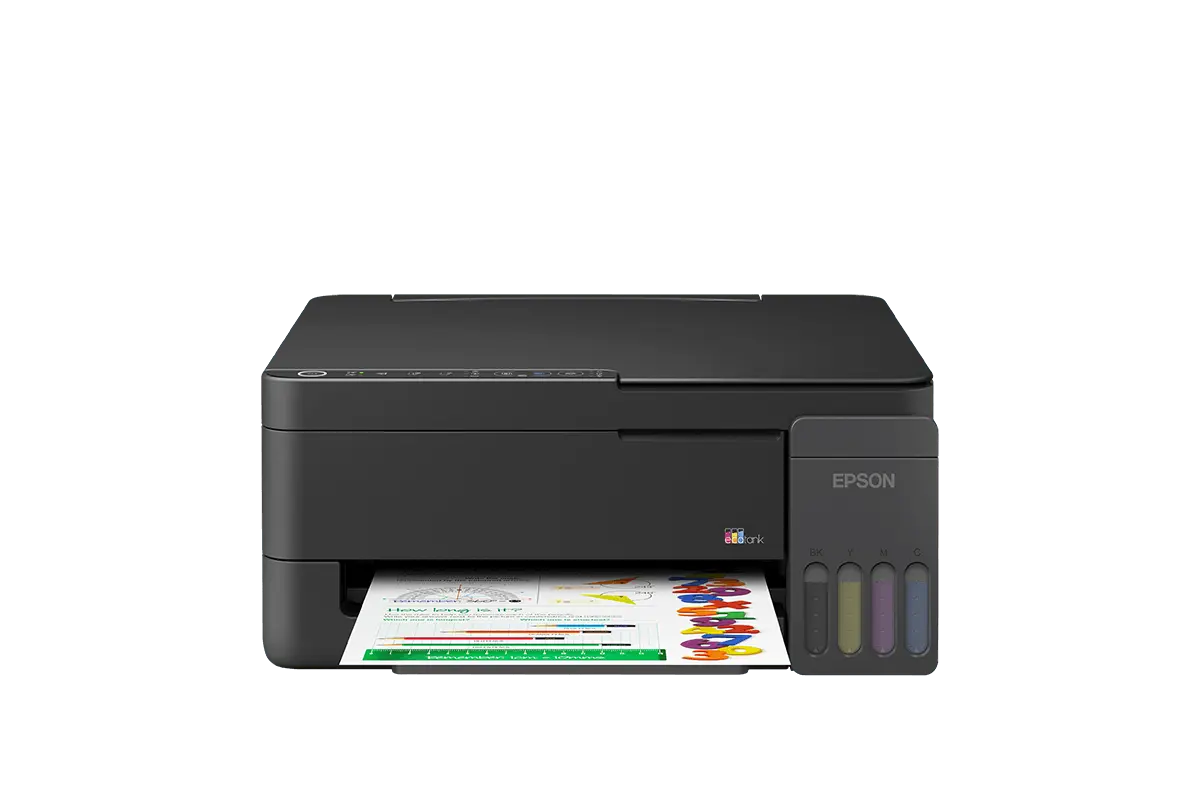
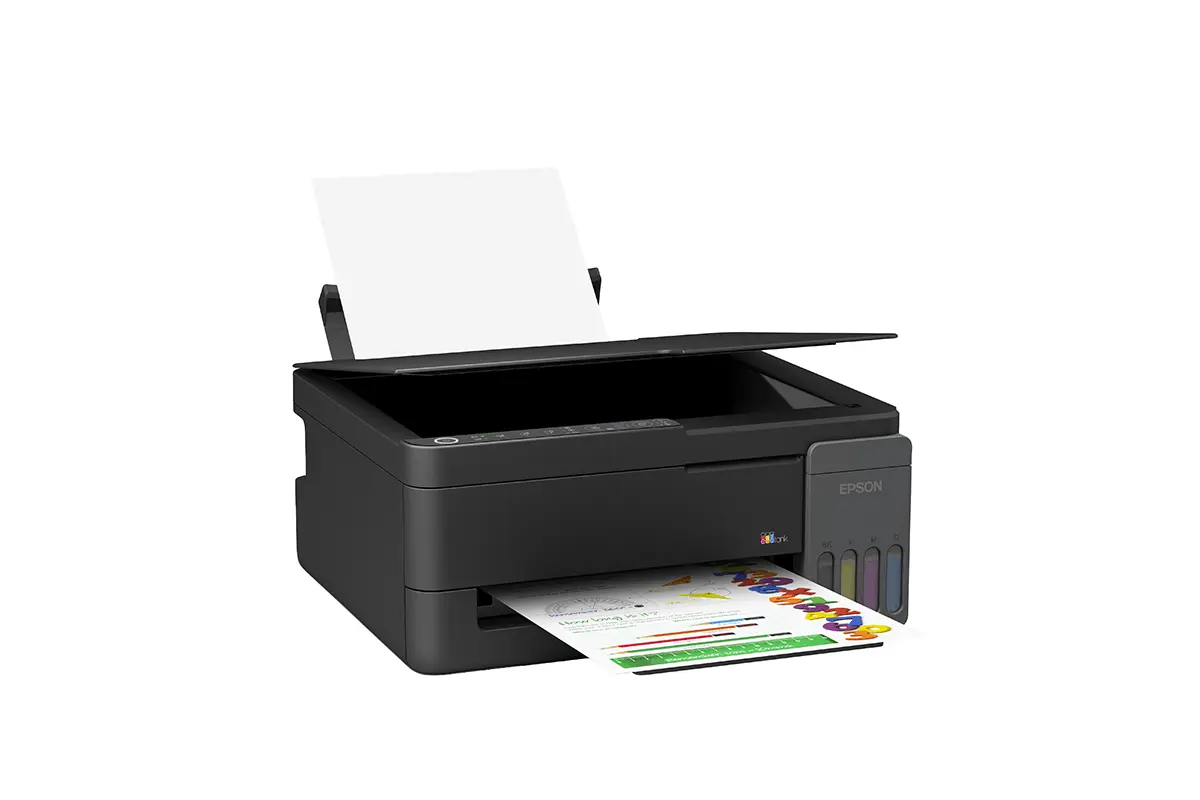
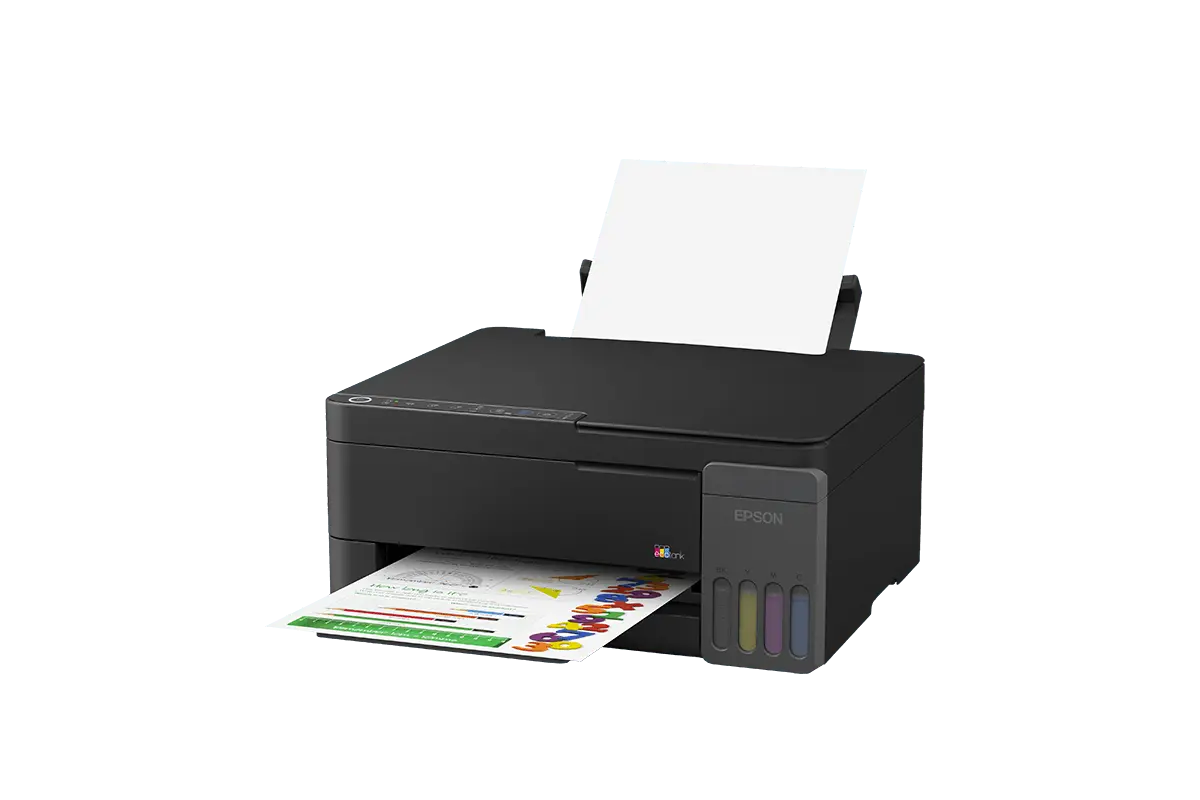
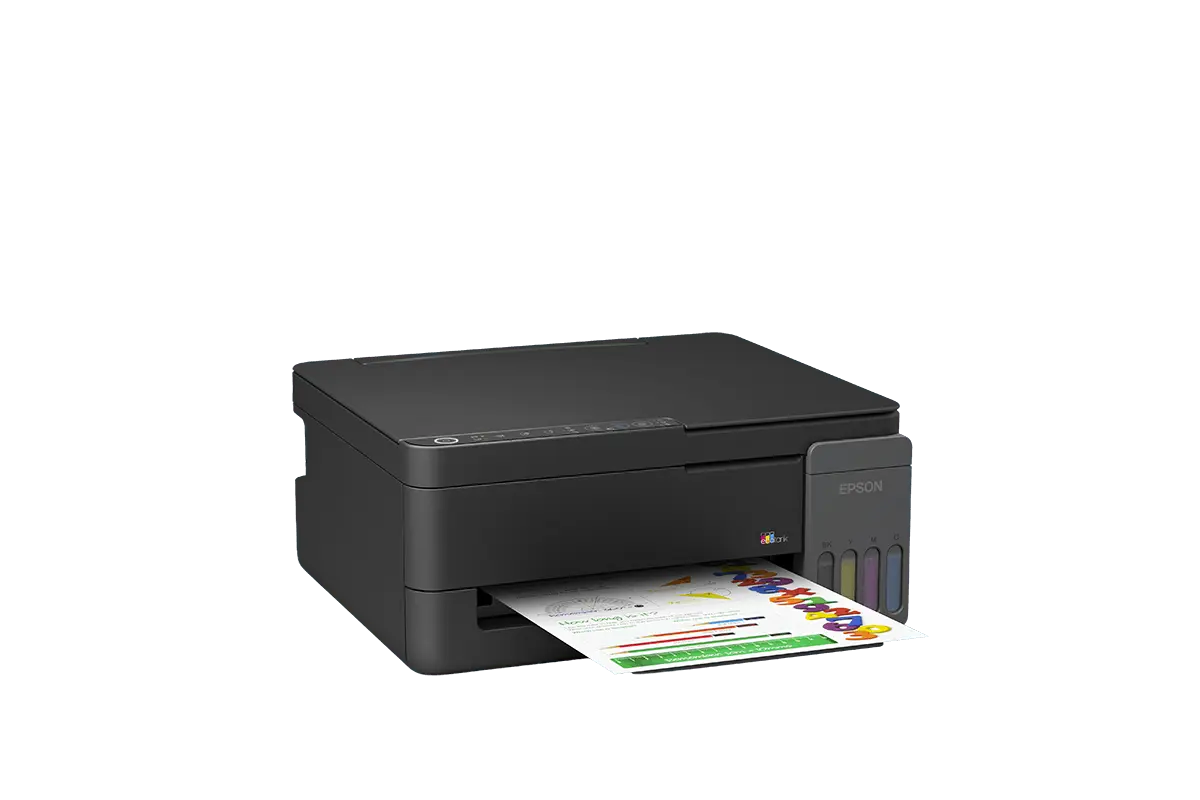
Epson EcoTank L3350 is a compact wireless all-in-one ink tank printer designed for families, students and home users who need affordable printing, scanning and copying. Its refillable EcoTank system removes the need for conventional ink cartridges and helps reduce the cost of printing assignments, forms, photographs and everyday documents.
This Epson ink tank printer supports Wi-Fi, Wi-Fi Direct and mobile printing, allowing several users to print from compatible phones, tablets and computers. It is a practical choice for anyone comparing reliable home printers in Kenya without wanting frequent cartridge replacements.
Is the Epson EcoTank L3350 Good for Home Use?
Yes. The Epson EcoTank L3350 is designed specifically for families, students and small home workspaces. It combines printing, scanning and copying in one compact machine and is recommended for between one and four users.
It works well for school assignments, revision notes, application forms, household documents, photographs and light home-office printing. Its simple controls and Epson Smart Panel app also make it approachable for users who have not previously set up a wireless printer.
Print, Scan and Copy in One Printer
The L3350 provides three essential functions in one space-saving unit:
- Print: Produce black-and-white or colour documents and borderless prints.
- Scan: Digitise documents, certificates, photographs and schoolwork using the flatbed scanner.
- Copy: Make quick colour or black-and-white copies without switching on a computer.
Combining these functions eliminates the need to purchase and accommodate separate devices.
Low-Cost EcoTank Printing
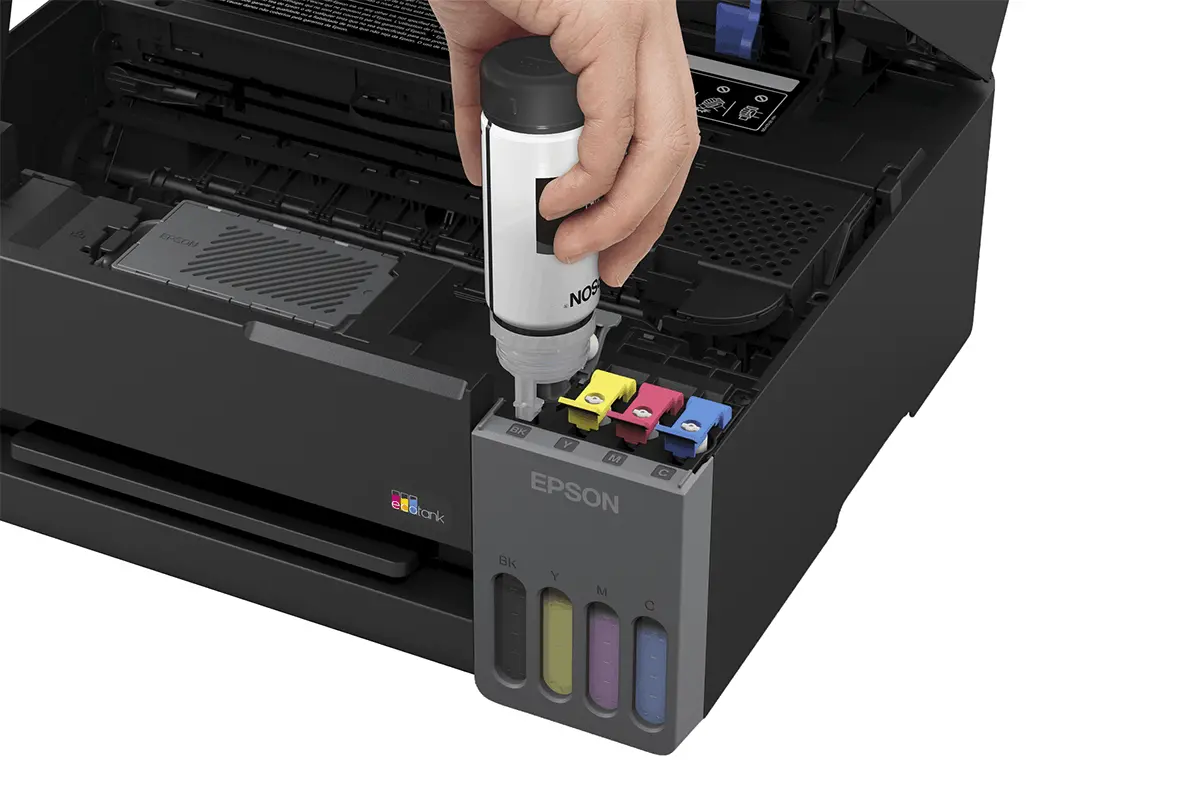
Instead of conventional cartridges, the Epson L3350 uses high-capacity refillable ink tanks. Epson states that its EcoTank system can reduce ink costs by up to 90% compared with similarly featured cartridge printers under the conditions used for its comparison.
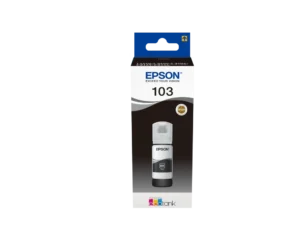
The printer uses readily identifiable Epson 103 ink bottles for black, cyan, magenta and yellow. The bottle nozzles are designed to make refilling the correct tank straightforward.
The initial ink supplied with the printer has an estimated yield of approximately:
- 3,600 pages in black
- 6,500 pages in colour
Replacement Epson 103 ink bottles can produce up to approximately 4,700 black pages or 7,500 colour pages. Actual yield varies according to page coverage, image type, paper, print settings, cleaning cycles and frequency of use.
Clear Documents and Colour Printing
Epson Micro Piezo printhead technology produces a maximum print resolution of 5760 × 1440 dpi. This allows the printer to create sharp text, detailed school projects, colourful graphics and photographs with smooth colour transitions.
The ISO print speed is up to 11 images per minute for black documents and 6 images per minute for colour. Maximum draft speeds can reach approximately 33 pages per minute in black and 15 pages per minute in colour.
The first monochrome page can be produced in approximately 9.74 seconds, while the first colour page takes approximately 14.49 seconds under Epson’s specified testing conditions.
Wireless and Mobile Printing
The Epson EcoTank L3350 can connect to a wireless network, allowing compatible computers and mobile devices to print without remaining physically connected to the printer.
Wi-Fi Direct allows a supported device to connect directly to the printer even when a conventional wireless router is unavailable. Mobile printing services include:
- Epson Smart Panel app
- Apple AirPrint
- Mopria Print Service
- Wi-Fi Direct
The Epson Smart Panel app can guide users through initial setup, monitor the printer and manage common printing or scanning tasks from a compatible smartphone.
A4 Flatbed Scanner and Copier
The built-in Contact Image Sensor flatbed scanner provides an optical resolution of up to 1200 × 2400 dpi. It can scan photographs, identification documents, certificates and A4 pages directly from the scanner glass.
Copy resolution reaches up to 600 × 600 dpi. Copy speeds are approximately 8.7 images per minute for black and 4 images per minute for colour, with up to 20 copies available in one operation.
The L3350 does not have an Automatic Document Feeder. Documents must be placed individually on the flatbed scanner.
Paper Sizes and Borderless Printing
The printer supports common paper formats including A4, Legal, Letter, A6, user-defined sizes and No. 10 envelopes. It also supports borderless printing for compatible media and settings.
Two-sided printing is handled manually. When printing on both sides of a page, the printer driver guides the user to turn and reload the paper.
Compact and Energy-Efficient Design
Measuring approximately 361 × 317 × 162mm and weighing around 4.2kg, the L3350 fits comfortably on a desk, shelf or small home-office workstation.
Epson Heat-Free Technology prints without using heat during the ink-ejection process. This helps reduce energy consumption and allows the printer to begin operating without waiting for a fuser to warm up.
Epson rates the durable printhead for up to 50,000 pages under its specified conditions. The recommended monthly printing volume is approximately 800 pages, making this model best suited to regular home, student and light home-office use.
Who Should Choose the Epson L3350?
- Students printing assignments, notes and revision material
- Families printing household documents and photographs
- Parents supporting school projects and home learning
- Home-office users with regular document requirements
- Users looking for lower ink costs than cartridge printers
- People who want wireless printing from phones and laptops
Epson EcoTank L3350 Specifications
| Brand | Epson |
|---|---|
| Model | EcoTank L3350 |
| Product code | C11CL62417 |
| Printer type | A4 colour all-in-one ink tank printer |
| Functions | Print, scan and copy |
| Printing technology | Epson Micro Piezo printhead with Heat-Free Technology |
| Ink technology | Dye ink |
| Print resolution | Up to 5760 × 1440 dpi |
| ISO black print speed | Up to 11 ipm |
| ISO colour print speed | Up to 6 ipm |
| Maximum black speed | Up to 33 ppm |
| Maximum colour speed | Up to 15 ppm |
| First black page | Approximately 9.74 seconds |
| First colour page | Approximately 14.49 seconds |
| Scanner type | A4 flatbed Contact Image Sensor scanner |
| Optical scan resolution | Up to 1200 × 2400 dpi |
| Copy resolution | Up to 600 × 600 dpi |
| Maximum copies | Up to 20 copies |
| Automatic Document Feeder | No |
| Duplex printing | Manual |
| Borderless printing | Supported |
| Paper trays | One |
| Supported paper sizes | A4, Legal, Letter, A6, user-defined sizes and No. 10 envelopes |
| Connectivity | Wi-Fi, Wi-Fi Direct and USB |
| Mobile printing | Epson Smart Panel, Apple AirPrint and Mopria |
| Compatible ink | Epson 103 black, cyan, magenta and yellow ink bottles |
| Included black ink yield | Approximately 3,600 pages |
| Included colour ink yield | Approximately 6,500 pages |
| Recommended users | 1–4 users |
| Recommended monthly volume | Approximately 800 pages |
| Dimensions | 361 × 317 × 162mm |
| Weight | Approximately 4.2kg |
| Colour | Black |
| Warranty | 12 months carry-in, subject to Epson warranty terms |
What Is Included in the Box?
- Epson EcoTank L3350 printer
- Four individual 65ml ink bottles: black, cyan, magenta and yellow
- Power cable
- User manual
- Setup guide
- Warranty document
Browse more printers and scanners, or review the official Epson EcoTank L3350 product information.
Frequently Asked Questions
What does the Epson EcoTank L3350 do?
The Epson EcoTank L3350 is an all-in-one colour printer that can print, scan and copy. It supports A4 documents, colour printing, wireless connections and mobile printing.
Is the Epson L3350 suitable for students?
Yes. Its low-cost refillable ink system, wireless printing and scanning functions make it suitable for assignments, notes, application forms and school projects.
Can I print from my phone?
Yes. You can print from compatible phones and tablets using Epson Smart Panel, Apple AirPrint, Mopria or Wi-Fi Direct.
Which ink does the Epson L3350 use?
It uses Epson 103 EcoTank ink bottles in black, cyan, magenta and yellow. Using the correct original Epson ink helps maintain print quality and reliability.
How many pages can the included ink print?
Epson estimates that the initial ink supplied with the printer can produce approximately 3,600 black pages and 6,500 colour pages. Actual yield depends on print coverage, settings and usage.
How fast does the Epson L3350 print?
Its ISO print speed is up to 11 images per minute in black and 6 images per minute in colour. Maximum draft speeds can reach 33 ppm black and 15 ppm colour.
Does the Epson L3350 print on both sides automatically?
No. It supports manual duplex printing. You must turn and reload the paper when printing on the second side.
Does it have an Automatic Document Feeder?
No. The L3350 has an A4 flatbed scanner. Each page must be placed individually on the scanner glass.
Can the Epson L3350 print borderless photos?
Yes. Borderless printing is supported when using compatible paper sizes and the correct printer settings.
Is the Epson L3350 a laser printer?
No. It is a refillable ink tank printer using Epson Micro Piezo Heat-Free printhead technology and dye-based ink.
Does it work with Windows and macOS?
Yes. Epson lists support for Windows 7 through Windows 11 or later, selected Windows Server versions, Mac OS 10.9.x and macOS 11 or later.
Is this printer suitable for a busy office?
It is best for families, students and light home-office use. A busy office that needs automatic duplex printing, an ADF or high-volume paper handling should consider a higher-capacity EcoTank business model.
What warranty comes with the Epson L3350?
Epson provides a 12-month carry-in warranty. Warranty coverage and page limits remain subject to Epson’s applicable registration and warranty conditions.
Where can I get the Epson EcoTank L3350 in Nairobi?
The Epson EcoTank L3350 is available from Shah Computers at Maharaja House, opposite M.P. Shah Hospital in Westlands. Call or WhatsApp 0113 219 859 to confirm the current price and availability.
Reviews
There are no reviews yet.